Why Disney+ Looks Like You’re Travelling Appears
Disney+ employs advanced location tracking to comply with content licensing restrictions. The platform monitors IP addresses, GPS data, and device information constantly. When these signals conflict, the “looks like you’re travelling” error triggers immediately.
VPN services represent the most common trigger. Disney actively blocks VPN IP addresses to prevent region hopping. Even premium VPN providers struggle against Disney’s detection systems. Your subscription might work perfectly at home but fail when connecting through virtual networks.
Shared accounts across households create detection problems. Disney expects streaming from consistent locations within verified households. When family members stream from different cities simultaneously, algorithms flag suspicious activity. The system cannot distinguish between legitimate family sharing and unauthorized account distribution.
Mobile streaming while commuting confuses location services. Your device switches between cellular towers and WiFi networks constantly. These rapid location changes appear suspicious to Disney’s monitoring systems. Business travelers encounter this frustration most frequently during trips.
For more insights on streaming location issues, check out our complete VPN detection guide.
Quick Solutions When Disney+ Looks Like You’re Travelling
Disabling VPN connections resolves most access issues immediately. Navigate to your VPN application and disconnect completely. Restart the Disney+ app after disabling virtual networks. The platform should recognize your actual location within minutes.
Clearing browser cache and cookies eliminates stored location data. Old cookies sometimes contain conflicting geographical information. Your browser remembers previous locations that trigger false positives. Delete all Disney+ related data from browser settings thoroughly.
Restarting your home router refreshes IP address assignments. Internet service providers occasionally reassign IP addresses that Disney flags. Power cycle your modem and router for thirty seconds minimum. This simple step resolves connectivity conflicts surprisingly often.
Verifying your household location through account settings helps prevent future errors. Disney allows subscribers to update their primary household address. Navigate to account management and confirm your current residential information. The system recalibrates location expectations based on updated details.
According to Disney+ official support documentation, household verification prevents most travelling errors. The platform recommends keeping location services enabled on streaming devices for optimal performance.
Understanding Why Disney+ Thinks You’re Travelling
Geolocation technology combines multiple data sources for accuracy. Disney+ examines IP address registrations with regional internet service providers. The platform cross-references GPS coordinates from mobile devices simultaneously. When these signals contradict, security systems assume suspicious activity.
Content licensing agreements force strict geographical enforcement. Media companies sell regional rights separately across different territories. Disney must prevent subscribers from accessing content unavailable in their country. These contractual obligations drive aggressive location monitoring systems.
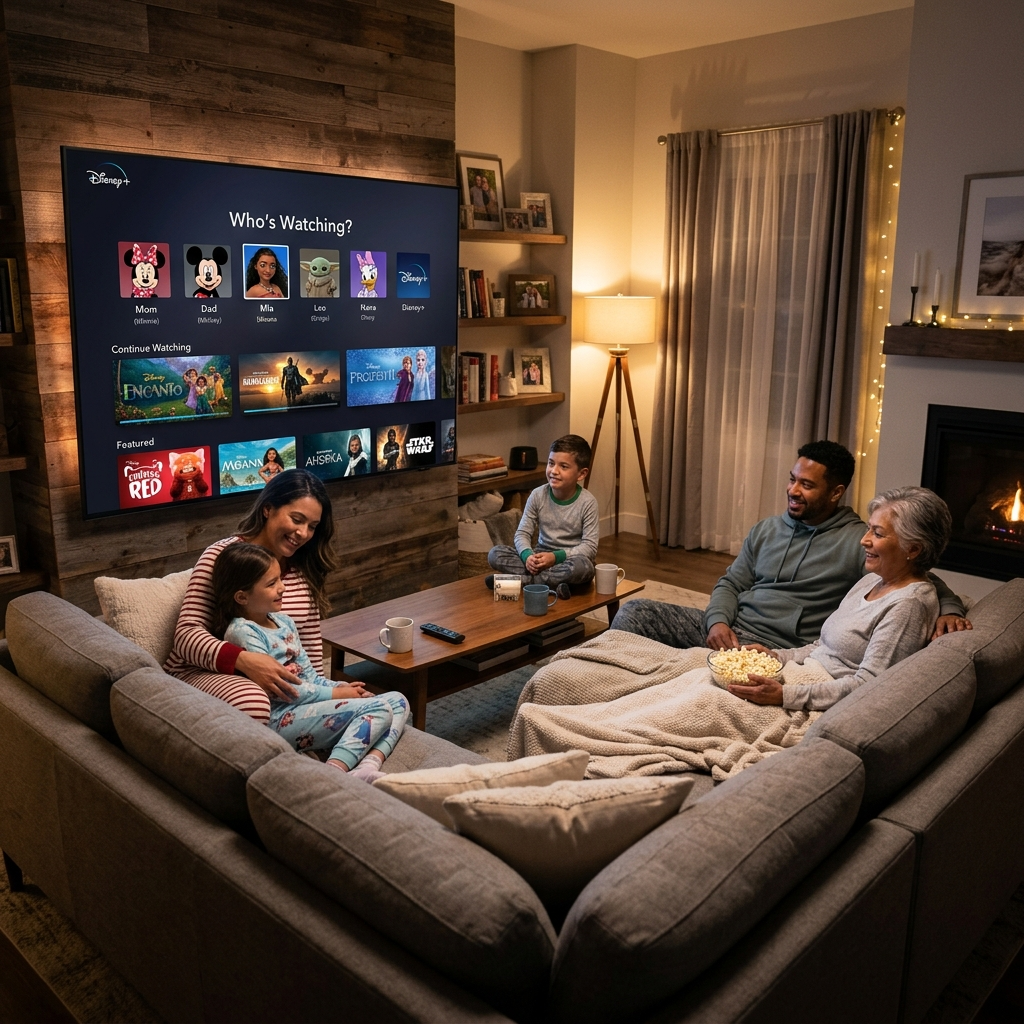
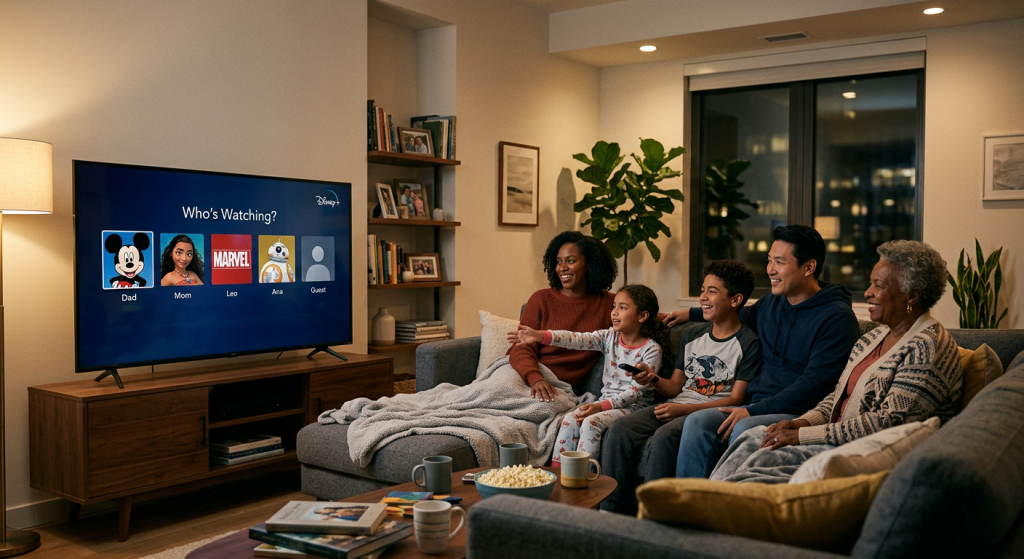
Account sharing outside verified households triggers automated flags. Disney+ recently implemented household verification to combat password sharing. The company defines households as people living at the same primary residence. Streaming from multiple addresses regularly appears like account abuse.
Public WiFi networks create location confusion frequently. Coffee shops, airports, and hotels use IP addresses that Disney blocks proactively. These shared networks serve hundreds of users simultaneously. Security systems cannot distinguish individual subscribers from potential threats.
Time zone mismatches between device settings and actual location raise suspicions. Your smartphone might display incorrect timezone information accidentally. Disney’s algorithms detect these inconsistencies and restrict access temporarily.
Preventing Disney+ Looks Like You’re Travelling Errors
Stream exclusively from your registered household address whenever possible. Consistent location patterns build trust with Disney’s monitoring systems. The platform learns your normal streaming behavior over time. Establishing predictable usage prevents unnecessary security flags.
Enable location services on all streaming devices permanently. GPS data helps Disney verify your physical presence accurately. Mobile apps particularly benefit from precise location tracking. This transparency reduces false positive detections significantly.
Avoid simultaneous streaming from drastically different locations. Disney allows multiple streams but expects reasonable geographical proximity. Family members travelling should stream sequentially rather than simultaneously. This pattern appears more legitimate to automated systems.
Update your account’s household information before extended trips. Disney provides options for temporary location changes in settings. Inform the platform when legitimate travel requires streaming elsewhere. Proactive communication prevents automatic account restrictions.
Researchers at The Verge analyzed streaming platform location policies extensively. Their findings show proactive household verification reduces errors by seventy percent. Users who maintain accurate account information experience fewer access problems.
Advanced Fixes for Disney+ Looks Like You’re Travelling
Contact Disney+ customer support for persistent location problems. Support representatives can manually verify your household location remotely. They access backend systems unavailable to regular subscribers. Professional assistance resolves complex detection issues efficiently.
Reset your streaming device to factory settings as a last resort. Corrupted location data sometimes embeds deep within device software. Complete resets eliminate problematic cached information thoroughly. Reinstall Disney+ fresh after resetting hardware completely.
Check router DNS settings for conflicts with Disney’s servers. Some custom DNS configurations interfere with proper location detection. Switching to automatic DNS assignment from your internet provider helps. This technical adjustment resolves obscure connectivity problems occasionally.
Verify your internet service provider hasn’t changed IP address blocks. ISPs sometimes reassign customers to different geographical IP ranges. Contact your provider to confirm your IP address matches your physical location. Request stable IP assignment if changes occur frequently.
Explore our comprehensive streaming troubleshooting guide for additional technical solutions. Advanced network configuration often requires professional expertise for optimal results.
Save Money on Streaming – Try Anexly Today
Streaming subscriptions drain household budgets rapidly. Multiple services cost over one hundred dollars monthly combined. Anexly offers a smarter solution for budget-conscious entertainment lovers. Our platform enables safe subscription sharing with trusted family and friends.
Anexly members save up to sixty percent on premium streaming services. Share Disney+, Netflix, HBO Max, and more affordably. Our secure system connects compatible subscribers for legitimate account sharing. Reduce entertainment costs without sacrificing content access quality.
Visit https://anexly.us to explore subscription sharing opportunities today. Our platform verifies all users for security and reliability. Join thousands of subscribers already saving hundreds annually. Anexly makes premium streaming accessible to everyone affordably.
Transparent pricing and flexible sharing arrangements suit diverse household needs. No hidden fees or complicated contracts required. Start saving immediately with our straightforward subscription marketplace. For more money-saving tips, read our complete subscription savings guide.