How to Remotely Log Out of Disney Plus: Step-by-Step Method
The primary method to remotely log out of Disney Plus involves accessing your account settings through the Disney Plus website. This approach signs out every connected device simultaneously, forcing all users to re-authenticate with your password. Start by visiting DisneyPlus.com and logging into your account. Navigate to your profile icon in the top-right corner and select “Account” from the dropdown menu. Scroll down to find the “Log out of all devices” option under account security settings. Click this button to initiate the remote logout process. Disney Plus confirms the action immediately. All streaming sessions end within seconds across smartphones, tablets, smart TVs, and gaming consoles. Users trying to watch content receive a prompt to sign in again. This method works regardless of device type or location. You maintain complete control over who accesses your subscription. After logging out all devices, change your password immediately if you suspect unauthorized access. This double-layer protection ensures previous users cannot simply log back in. Visit Disney Plus Help Center for additional security guidance. The platform recommends updating passwords every 90 days for optimal account protection.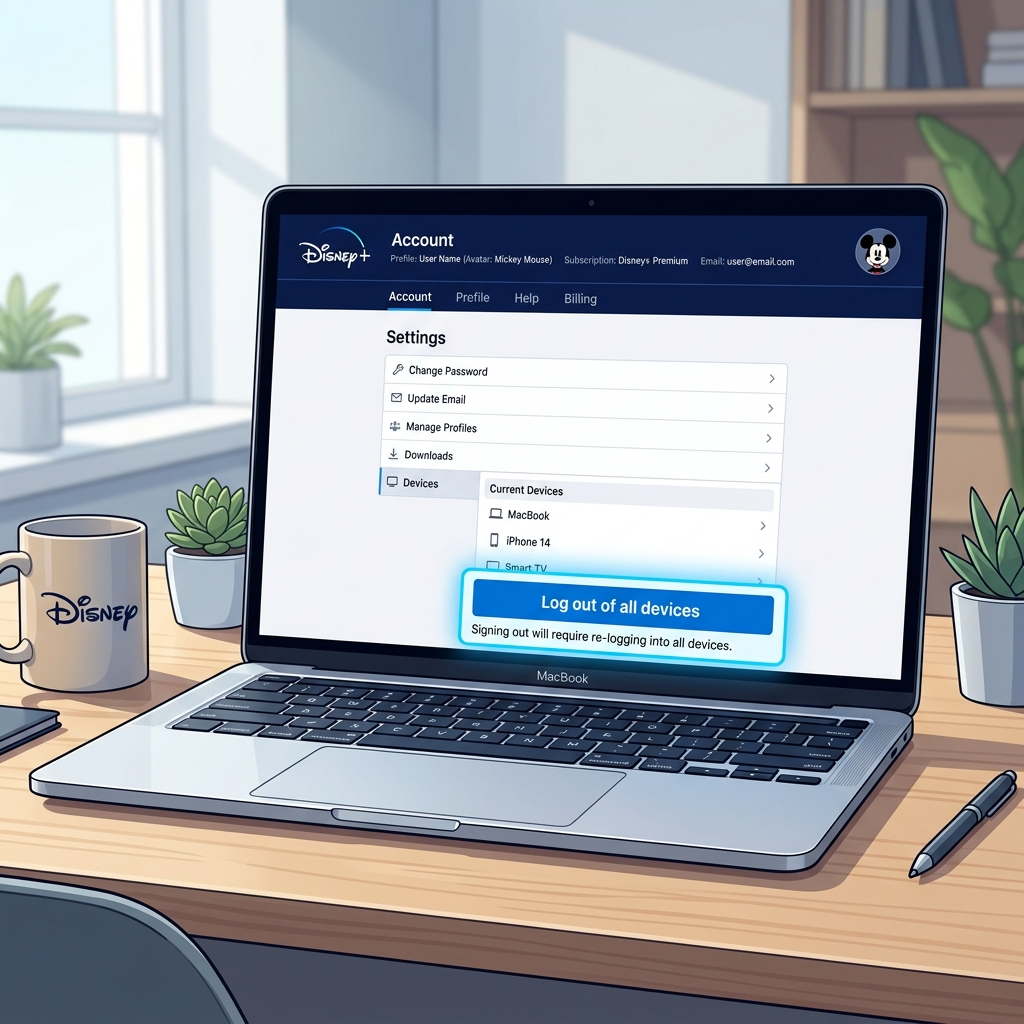
Why You Need to Know How to Remotely Log Out of Disney Plus
Security concerns make remote logout capability essential for every Disney Plus subscriber. Shared passwords, forgotten logins on public devices, and relationship changes all create situations requiring immediate account control. Ex-partners often retain access to streaming accounts after breakups. Roommates who moved out might still use your subscription. Family members you no longer want sharing your plan continue watching without permission. Remote logout solves these problems instantly without requiring physical access to their devices. Lost or stolen devices pose significant security risks. Thieves can access your Disney Plus account, change settings, or view your payment information. The ability to remotely log out of Disney Plus protects your personal data and prevents unauthorized purchases through connected payment methods. Subscription sharing through services like Anexly makes remote management even more important. When sharing costs with trusted users, you need quick control if circumstances change. Account security features let you revoke access immediately while maintaining your own streaming capability. This flexibility protects both your wallet and your privacy in shared subscription arrangements.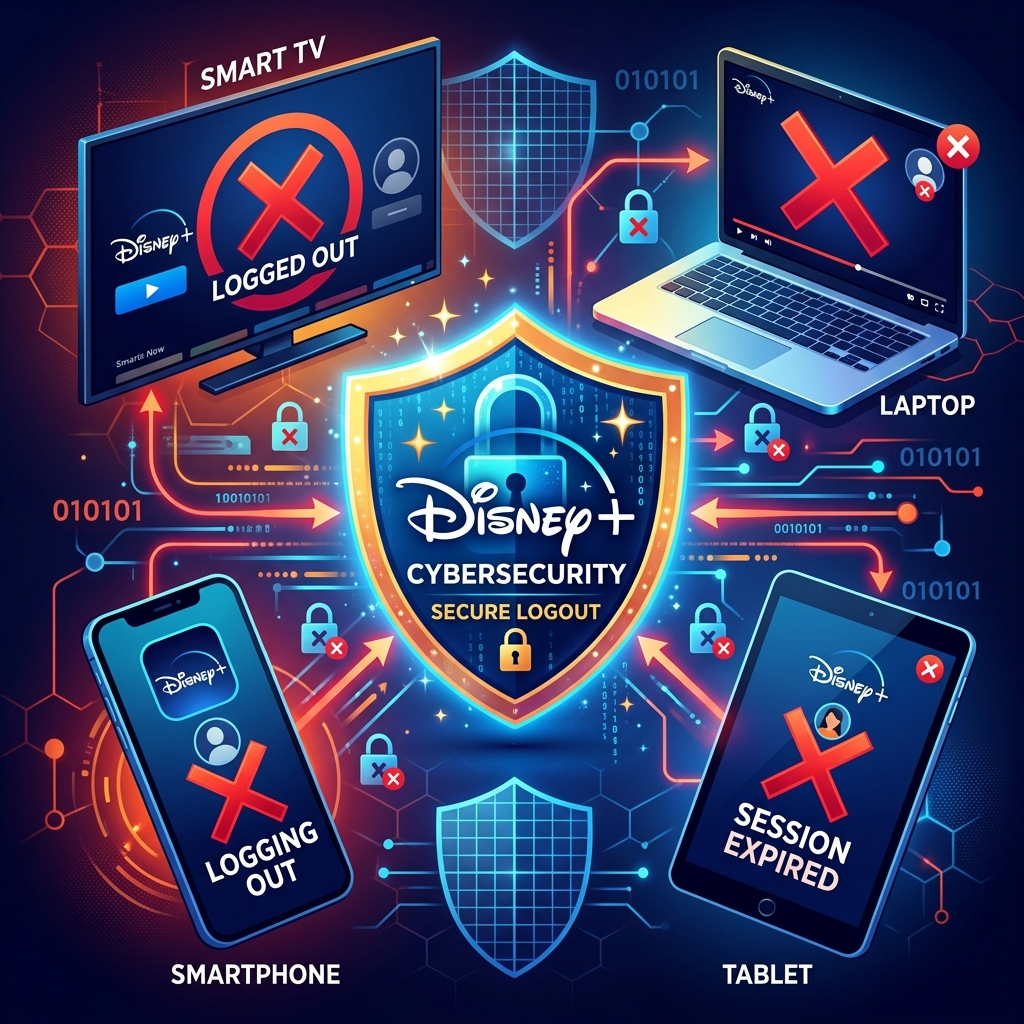
Alternative Methods: Can You Remotely Log Out of Disney Plus Through Mobile Apps
Mobile apps offer convenient access to remote logout features while you’re away from your computer. Both iOS and Android Disney Plus applications include account management tools that work identically to the web version. Open the Disney Plus app on your smartphone or tablet. Tap your profile icon in the bottom navigation bar, then select “Account” from the menu options. Scroll through account settings until you locate the security section. The “Sign out of all devices” button functions the same as the desktop version. The mobile method proves particularly useful during emergencies. Forgot to log out of a hotel TV? Notice suspicious viewing activity while commuting? Access your phone immediately and secure your account within seconds. No need to wait until you reach a computer. Some limitations exist with mobile management. Older app versions might not display all security features prominently. Update your Disney Plus app regularly to ensure full functionality. The mobile experience occasionally differs slightly in menu organization, but the core remote logout capability remains consistent across all platforms and devices.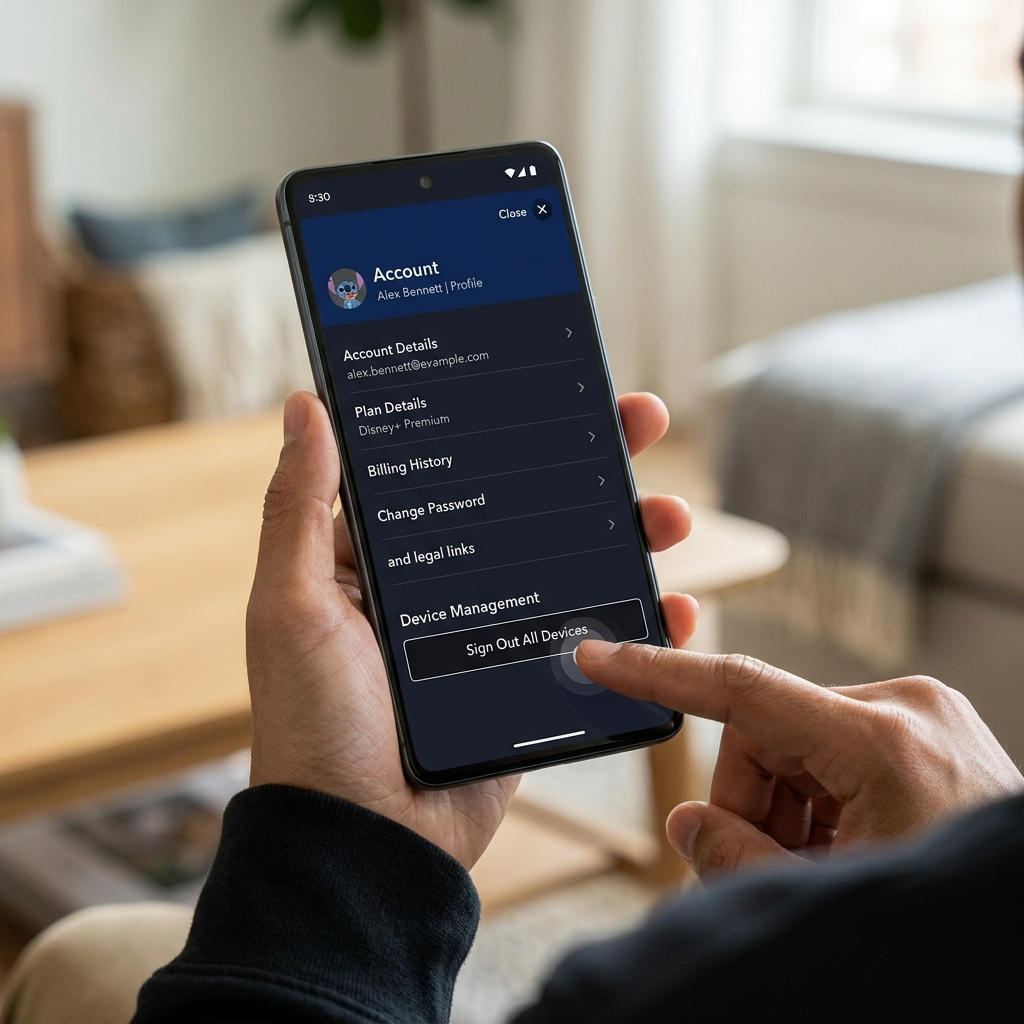
What Happens After You Remotely Log Out of Disney Plus
Understanding the immediate and long-term effects helps you manage expectations after initiating a remote logout. The process creates several automatic changes across your Disney Plus ecosystem. All active streaming sessions terminate within 30 seconds. Users watching content see an error message or login prompt. Downloaded content for offline viewing remains accessible on devices until the app requires online verification, typically within 48 hours. This prevents immediate disruption for users with legitimate access who downloaded content for travel. Device authorization lists reset completely. Your account forgets which TVs, phones, and tablets previously connected to your subscription. This means you’ll need to sign in again on your own devices too. Keep your password readily available before initiating remote logout to avoid inconveniencing yourself. Viewing history and watch progress remain intact. Remote logout affects only device sessions, not your account data. Personalized recommendations, saved profiles, and watchlists continue functioning normally. When you or other authorized users sign back in, Disney Plus remembers exactly where you stopped watching each show or movie. This preservation of data makes remote logout a security tool rather than a reset button for your entire account experience.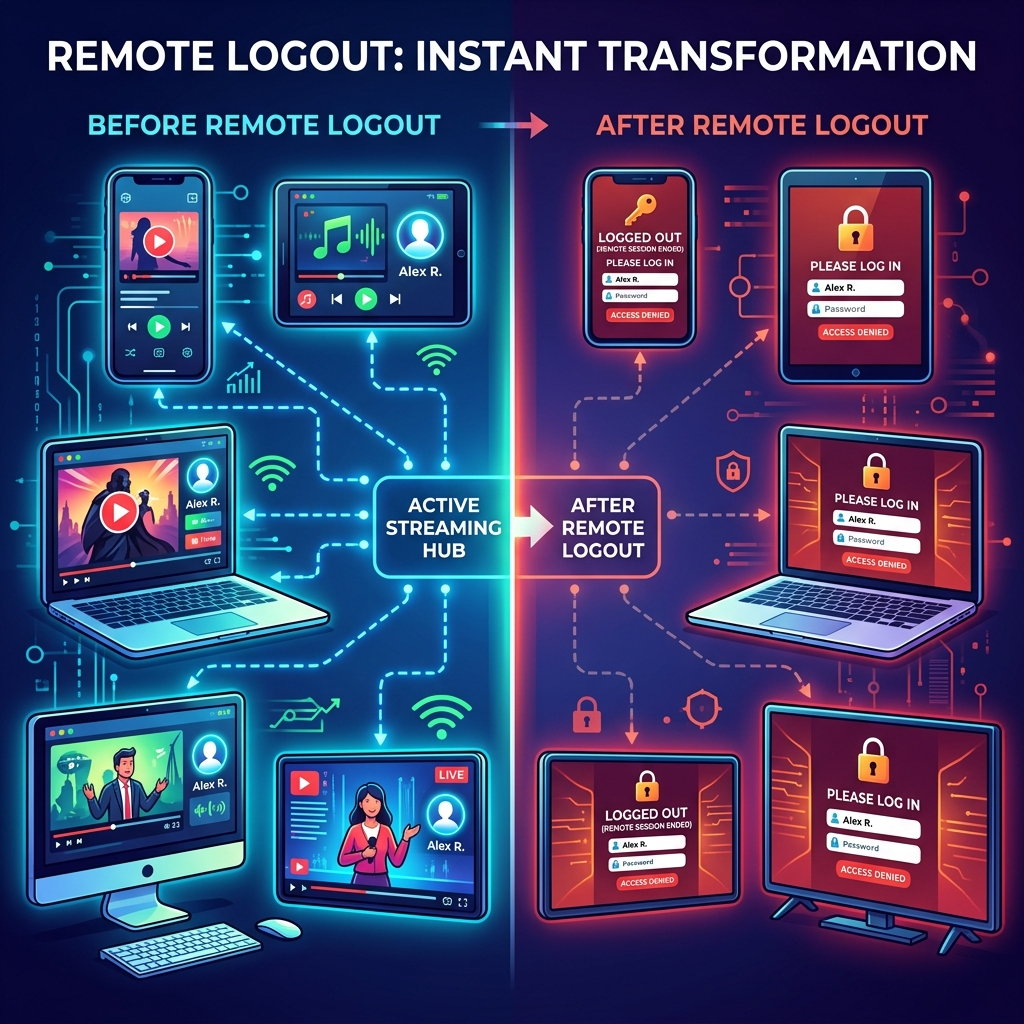
Best Practices: When to Remotely Log Out of Disney Plus
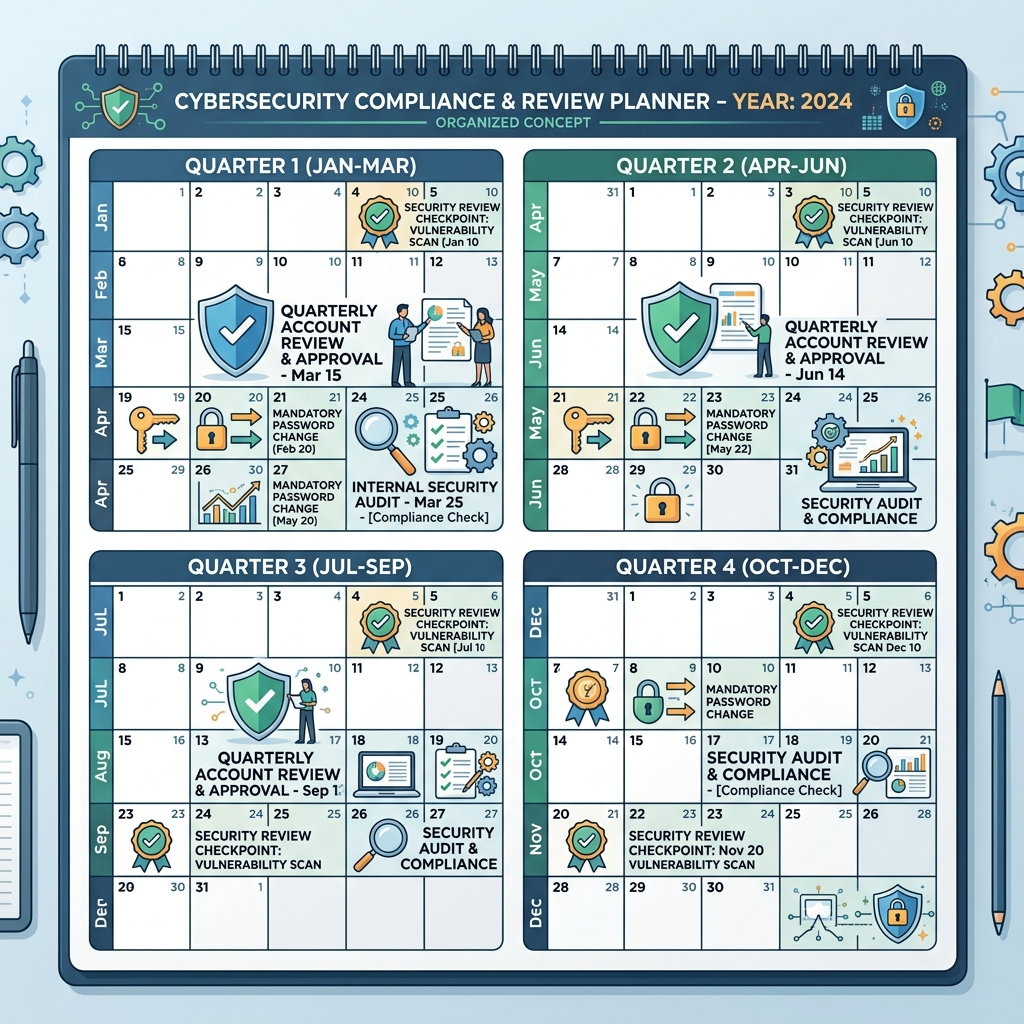
Strategic timing for remote logouts maximizes security while minimizing disruption to legitimate users. Several scenarios warrant immediate action to protect your Disney Plus account. Change passwords and initiate remote logout immediately after sharing credentials with temporary houseguests or Airbnb visitors. Short-term sharing creates long-term vulnerabilities if you forget to revoke access manually. Making this a standard practice after guests leave protects your account from months of unauthorized usage. Schedule regular security audits every three months. Review your account activity and perform remote logouts as preventive maintenance. This habit catches forgotten devices and unauthorized users before they become significant problems. Combine this practice with password updates for comprehensive account security. Act immediately when you notice unfamiliar content in your “Continue Watching” section or recommendations that don’t match your preferences. These signs indicate someone else actively uses your account. Quick action through remote logout prevents further unauthorized access and protects your personalized experience from corruption. Consider remote logout before selling or disposing of old devices. Smart TVs, streaming sticks, and tablets retain login credentials even after factory resets sometimes. Signing out remotely before transferring ownership ensures your Disney Plus account doesn’t follow the device to its new owner. Visit Consumer Reports for additional device privacy guidance.