Understanding What Update Household on Disney Plus Actually Means
Disney Plus household verification ensures subscribers stream content from their primary residence. The platform defines your household as devices connected to your home Wi-Fi network. When you see the update household prompt, Disney asks you to confirm your current location matches your account address. This verification process happens automatically for most users. Your smart TV, streaming device, or mobile phone sends location data to Disney servers. The system compares this information against your registered household address. Mismatches trigger the update household notification. What does update household on Disney Plus mean for account sharing? The feature limits password sharing outside your immediate family. Disney allows sharing within one household only. This policy change addresses revenue concerns from widespread account sharing. According to The Streamable’s analysis, streaming platforms lose billions annually from unauthorized sharing. Your household includes anyone living at your primary address. College students temporarily away from home can still access their family account. Disney recognizes that household members travel and need flexibility. The update household feature balances security with reasonable usage.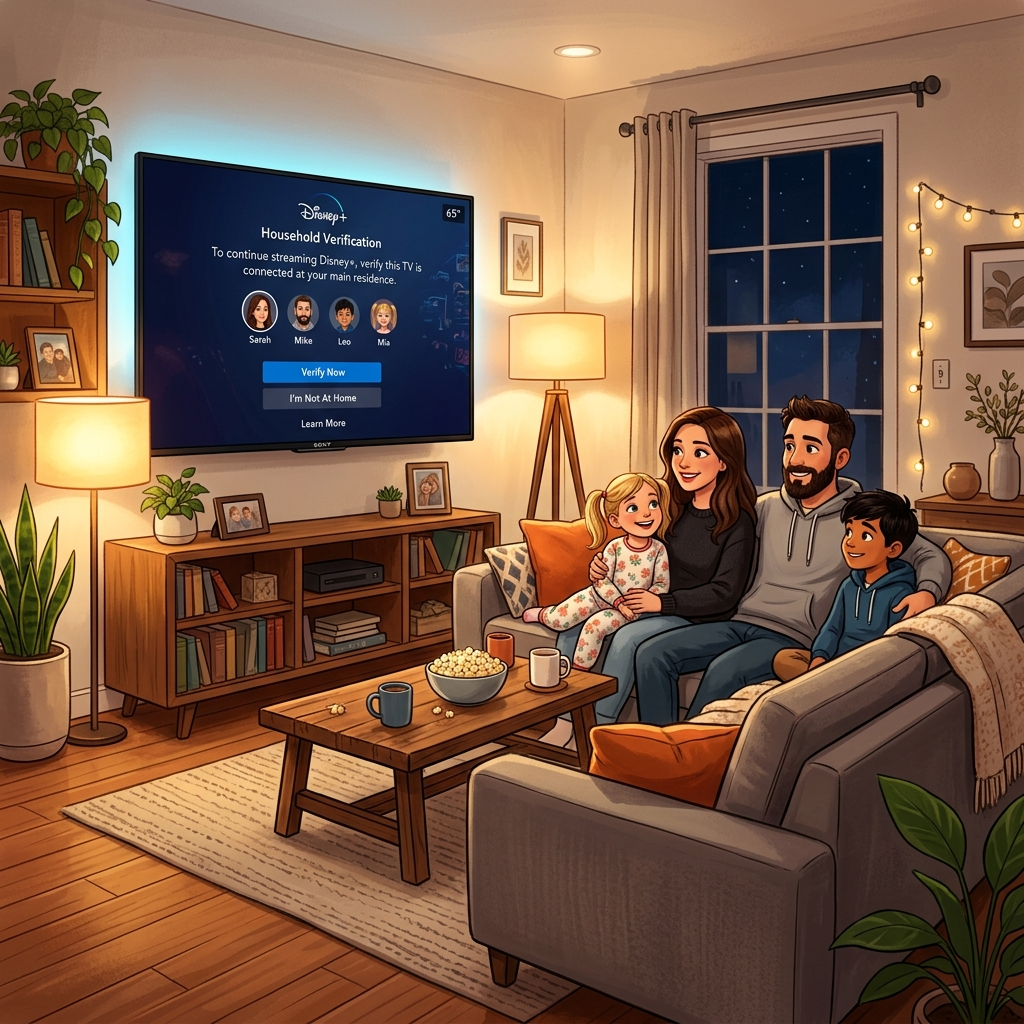
Why Disney Plus Requires Household Updates
Disney implemented household verification to combat password sharing abuse. Millions of subscribers shared credentials with friends and extended family outside their homes. This widespread sharing reduced potential subscriber growth and revenue. The streaming industry shifted toward stricter sharing policies in 2024. Netflix pioneered paid sharing tiers that proved financially successful. Disney followed with household verification as a softer enforcement approach. The company prioritizes user experience while protecting subscription value. What does update household on Disney Plus mean for your privacy? Disney collects IP addresses and device locations to verify household membership. This data remains encrypted and protected under Disney’s privacy policy. The company uses information solely for household verification purposes. Technical reasons also drive household updates. Your router’s IP address changes periodically. Internet service providers assign new addresses during network maintenance. When your IP changes, Disney’s system detects the difference and requests verification. This protects your account from unauthorized access. Travel triggers household prompts too. Streaming from hotels or vacation rentals appears as location changes to Disney’s servers. Traveling with Disney Plus requires understanding these verification rules. Temporary locations won’t lock your account permanently. Disney allows reasonable exceptions for legitimate travel.Step-by-Step Guide to Update Household on Disney Plus
Updating your household on Disney Plus takes just a few minutes. Start by opening the Disney Plus app on your primary streaming device. Navigate to your account settings through the profile icon. Look for the household or location settings section. The verification process requires you to be on your home Wi-Fi network. Connect your device to your primary internet connection before attempting updates. Disney uses your network’s IP address to establish your household location. Mobile data or public WiFi won’t work for household verification. Click the update household button when prompted. The system automatically detects your current IP address and location data. Confirm the information matches your billing address. The process completes within seconds for most users. Some accounts require email verification. Disney sends a confirmation link to your registered email address. Click the link to complete household verification. This extra security step prevents unauthorized household changes. Check your spam folder if the email doesn’t arrive within minutes. What does update household on Disney Plus mean if you have multiple homes? Contact Disney Plus support for special circumstances. Vacation homes and second residences require additional verification. Disney evaluates legitimate multi-residence situations case by case. Document your situation with proof of ownership or rental agreements.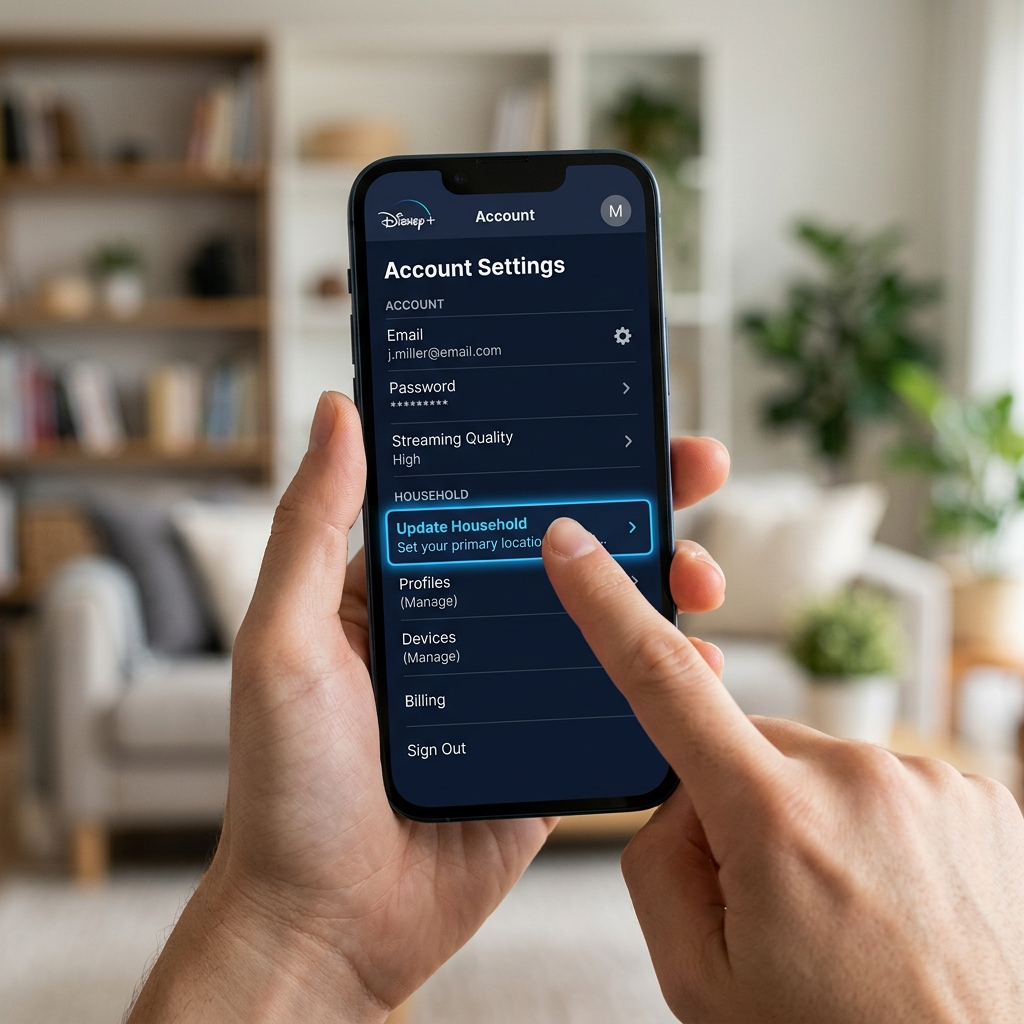
Common Issues When Updating Your Disney Plus Household
Many subscribers encounter error messages during household updates. The most common issue involves mismatched IP addresses. Your current location must match your billing address for successful verification. Using VPNs or proxy servers prevents proper household updates. Disable VPN services before attempting verification. Virtual private networks mask your true IP address and location. Disney’s system can’t verify your household with VPN protection active. Turn off VPN software temporarily, complete the update, then reactivate your security software. Multiple failed attempts may temporarily lock your account. Disney implements security measures to prevent household verification abuse. Wait 24 hours before trying again if you encounter repeated failures. Contact Disney Plus customer support for persistent problems. What does update household on Disney Plus mean for shared accounts? Only the primary account holder can update household information. Family members using sub-profiles lack permission to change household settings. The account owner must log in to complete verification. Device compatibility affects household updates too. Older streaming devices might not support the latest verification features. Update your device software and Disney Plus app to current versions. Disney’s official support page lists compatible devices and troubleshooting steps. Outdated technology causes verification failures even with correct household information.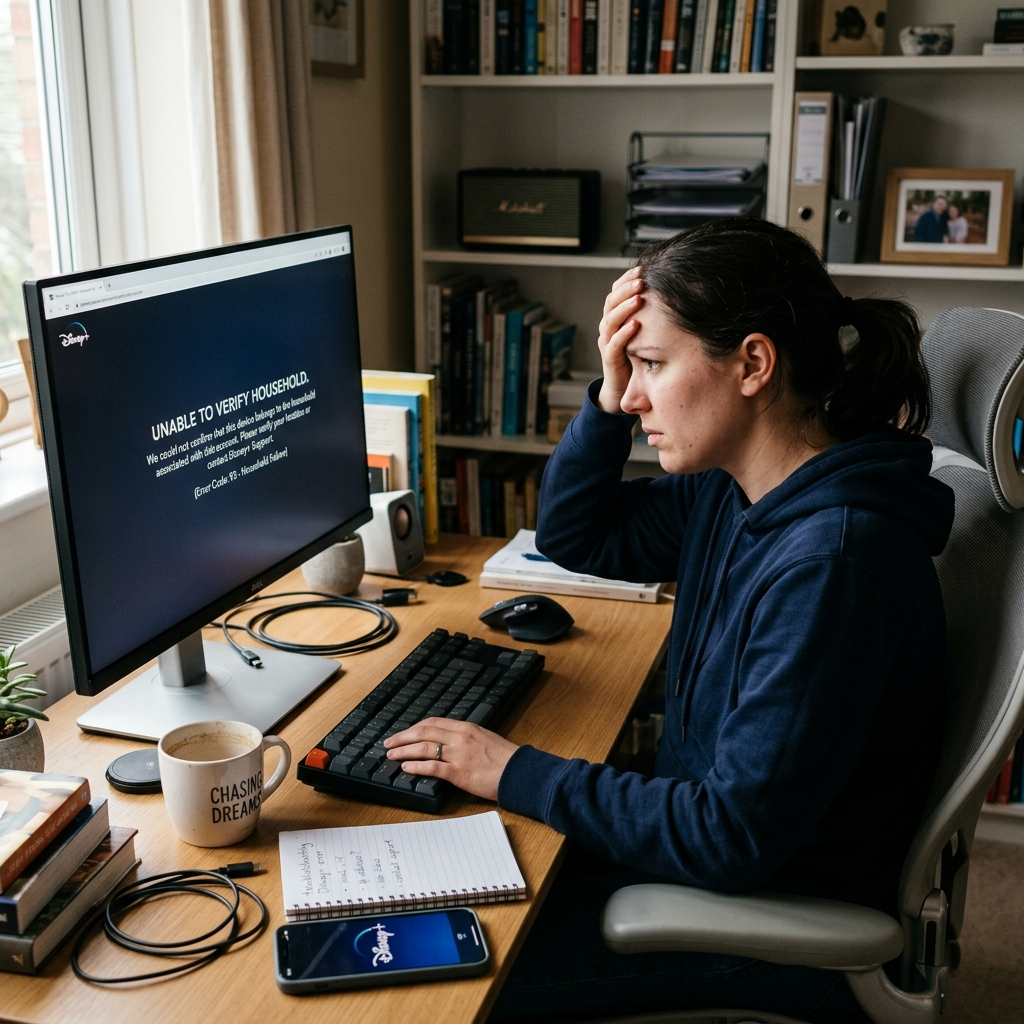
Managing Your Disney Plus Household Long-Term
Regular household maintenance prevents verification problems. Update your household information whenever you move to a new residence. Change your billing address in account settings to match your new location. This proactive approach avoids streaming interruptions. College students face unique household challenges. Universities provide internet services with constantly changing IP addresses. Set your permanent home address as your primary household. Use your school email to request temporary access exceptions from Disney support. What does update household on Disney Plus mean for frequent travelers? Business travelers and vacation enthusiasts need flexibility. Disney allows temporary streaming outside your household for reasonable periods. Extended stays at single locations may trigger verification requests. Maintain your primary household address while traveling to preserve account access. Family members living in different locations require separate subscriptions. Adult children who move out need their own Disney Plus accounts. The household policy prohibits permanent sharing across multiple residences. Disney Plus family sharing works only within one household. Monitor your connected devices regularly. Remove old devices you no longer use from your account. This security practice protects your household verification status. Fewer devices mean simpler household management and better account security. Review your device list monthly to maintain optimal account health.