Understanding Disney Plus Household Verification System
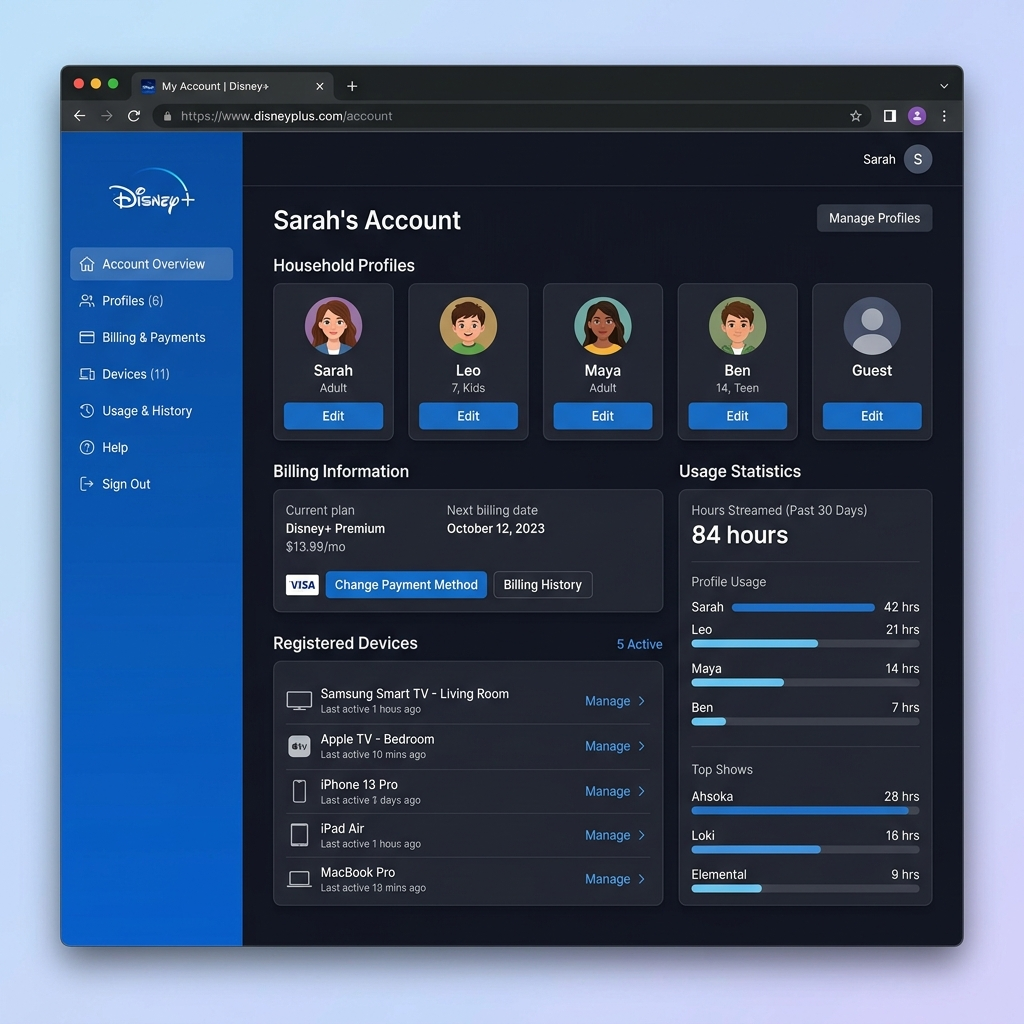
Disney Plus defines a household as people living at the same physical address. The platform uses sophisticated technology to verify this location through your WiFi network and device information. When you first set up your account, Disney Plus establishes your primary household. This happens automatically when you stream content from your home network. The system remembers this location and uses it as your baseline for future verification. The household verification process monitors several data points. These include your IP address, WiFi network name, and GPS coordinates from mobile devices. Disney Plus checks this information periodically to ensure compliance with sharing policies. You can update your primary household location once per year. This flexibility accommodates legitimate moves or extended stays in different locations. However, frequent changes trigger security reviews that may temporarily restrict your account. Disney Plus allows four simultaneous streams per account. All streams should originate from authorized locations to avoid verification issues. The platform provides detailed guidelines about acceptable use policies. Understanding how to add another household to Disney Plus requires knowing these fundamental restrictions first.
How to Add Another Household to Disney Plus Using Paid Sharing
Disney Plus introduced paid sharing in 2024 to allow legitimate multi-household access. This feature lets subscribers add extra member slots for people living outside their primary household. The paid sharing option costs $7.99 per month for each additional member. This fee grants streaming access to one person living at a different address. Each extra member gets their own login credentials and personalized profile. To enable paid sharing, log into your Disney Plus account on a web browser. Navigate to Account Settings and select Manage Household. Click Add Extra Member and follow the verification prompts to complete setup. Your extra member receives an invitation email with setup instructions. They must verify their separate household location through their own device and WiFi network. This process typically takes less than five minutes to complete. Extra members enjoy full Disney Plus access except for simultaneous streams. They can download content for offline viewing and create personalized watchlists. The main account holder maintains billing control and can remove extra members anytime. Disney Plus account sharing options provide flexibility for families with college students or relatives living elsewhere. Learning how to add another household to Disney Plus through paid sharing protects your account from unauthorized use flags.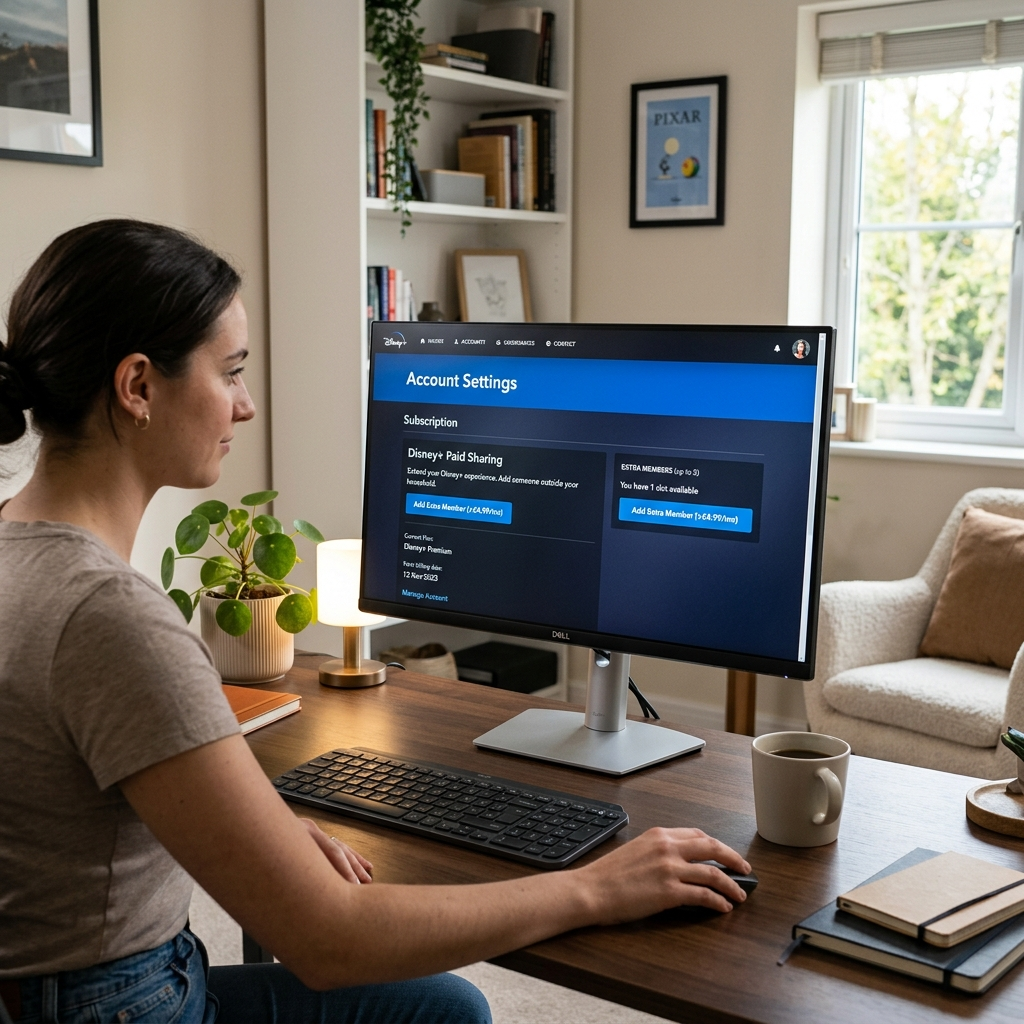
Setting Up Secondary Household Access on Disney Plus
Setting up secondary household access requires careful attention to Disney Plus verification requirements. The process differs slightly between adding temporary guests and permanent extra members. For temporary access, Disney Plus offers a 14-day grace period. Family members traveling or staying temporarily at another location can stream without issues during this window. The platform automatically extends this grace period if devices regularly return to the primary household. Permanent secondary household setup requires the paid sharing subscription. Begin by ensuring your primary household location is correctly established. Stream content from your home WiFi network for several consecutive days before adding extra members. Once your primary location is verified, access the Extra Member invitation system. Enter the email address of the person you want to add. Disney Plus sends them a unique activation link that expires after seven days. The invited member must complete setup from their own household location. They click the activation link, create their credentials, and stream content immediately. Disney Plus verifies their separate household through device and network analysis. Managing multiple households requires monitoring your account dashboard regularly. Check for verification prompts and address them quickly to maintain uninterrupted service. Understanding how to add another household to Disney Plus means staying proactive about compliance requirements.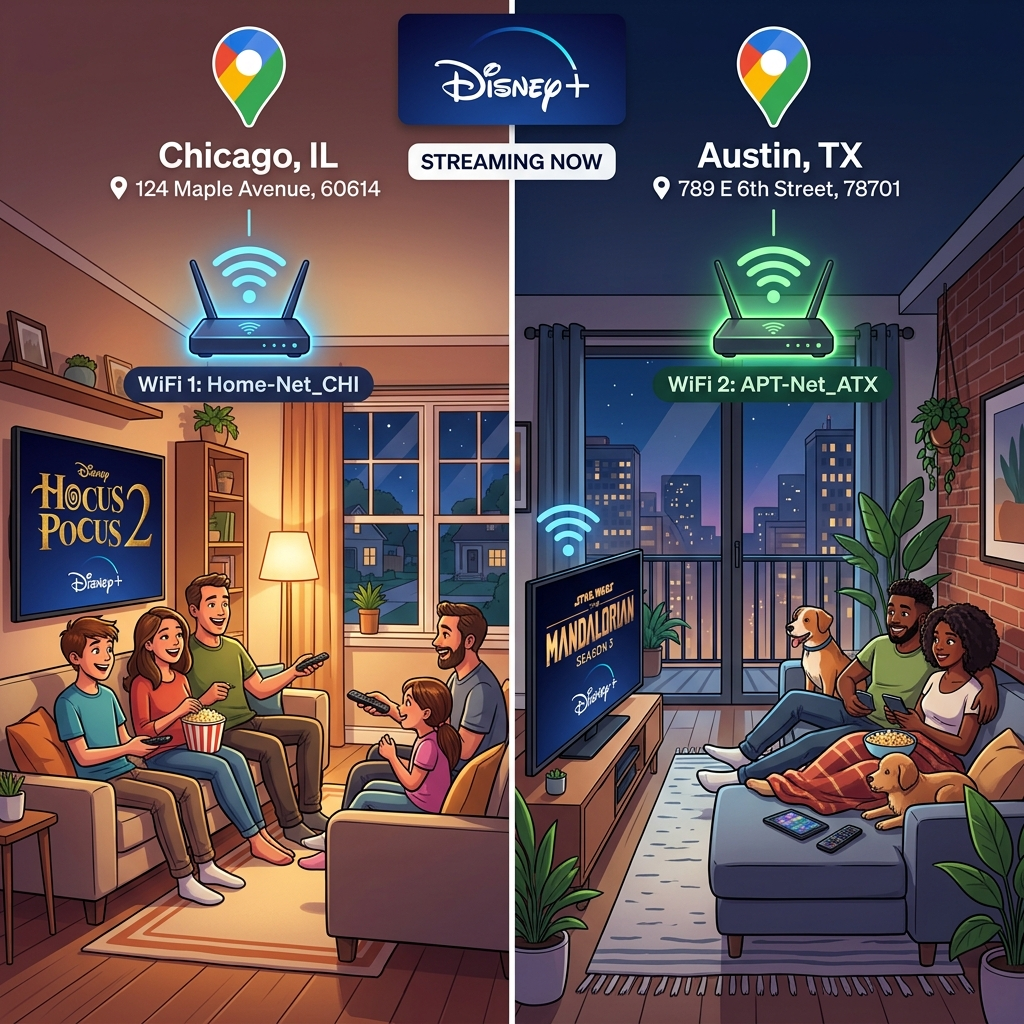
Troubleshooting Disney Plus Household Addition Issues
Common problems arise when adding another household to Disney Plus. Understanding these issues helps you resolve them quickly without service interruptions. The most frequent error is household verification failure. This occurs when Disney Plus cannot confirm your primary location or the extra member’s separate address. Ensure all parties stream from their home WiFi networks during initial setup to avoid this problem. Some subscribers encounter payment processing errors when adding extra members. Verify your payment method is current and has sufficient funds. Update billing information through Account Settings if transactions fail repeatedly. Device limit conflicts create confusion for many users. Remember that Disney Plus restricts simultaneous streams to four devices total, including extra members. If you reach this limit, existing streams must end before new ones begin. Location verification prompts appear when Disney Plus suspects account sharing violations. Respond to these notifications immediately by confirming your household location. Ignoring verification requests can result in temporary account suspension. VPN usage interferes with household verification systems. Disable VPN services on all devices when setting up or verifying household locations. Disney Plus technical support recommends standard internet connections for optimal verification. If problems persist after troubleshooting, contact Disney Plus customer service directly. They can manually verify household locations and resolve technical glitches preventing proper setup.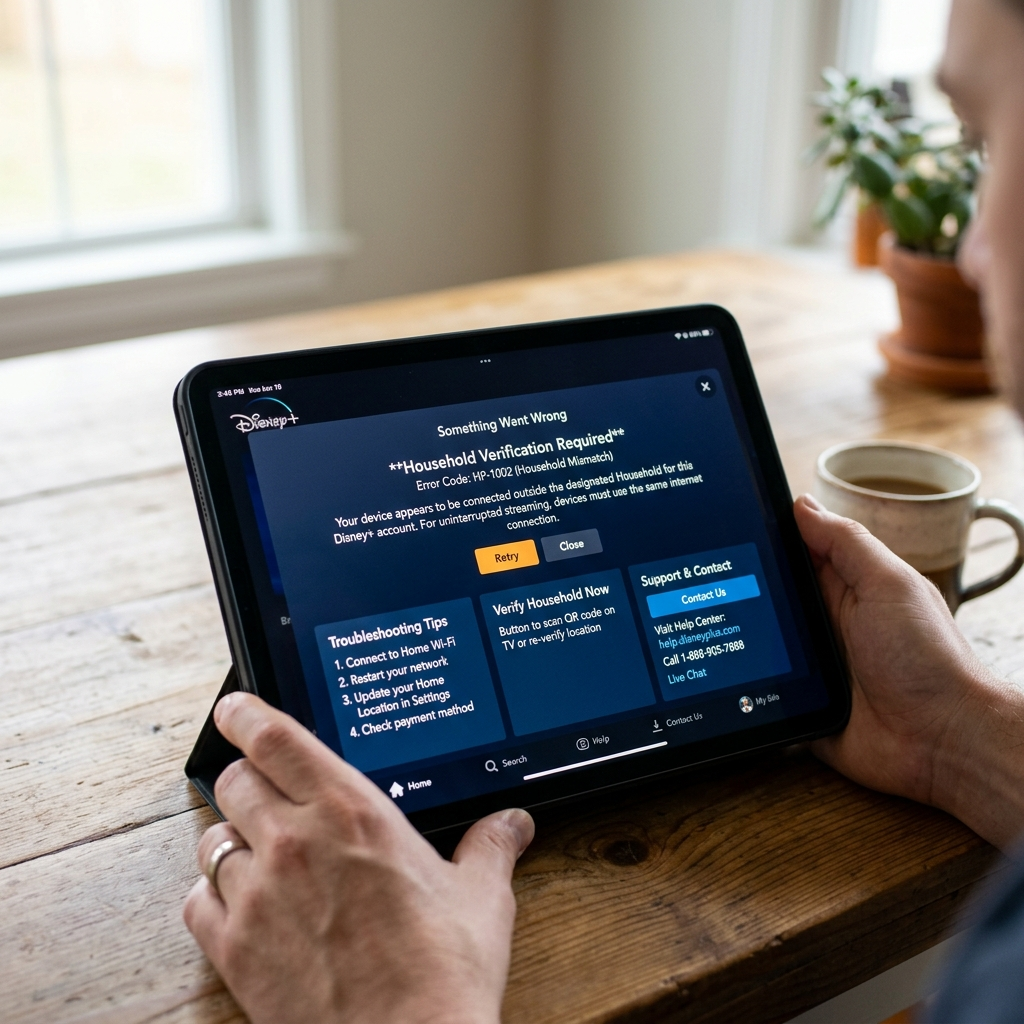
Managing Multiple Disney Plus Households Effectively
Effective management of multiple Disney Plus households ensures smooth streaming for all authorized users. Implementing best practices prevents verification issues and maximizes your subscription value. Create a household management schedule to track verification dates and payment cycles. Mark your calendar when adding extra members to monitor the 14-day activation window. This proactive approach prevents access disruptions. Communicate clearly with all household members about streaming guidelines. Explain that simultaneous stream limits apply across all locations. Establish informal schedules during peak viewing times to avoid conflicts. Regularly audit your connected devices through Account Settings. Remove old or unused devices to maintain security and prevent verification complications. Disney Plus allows unlimited authorized devices but recommends removing inactive ones quarterly. Monitor your monthly billing statements for unexpected charges. Extra member fees appear as separate line items on your credit card statement. Contact billing support immediately if you notice discrepancies or unauthorized additions. Consider upgrading to annual subscriptions for primary accounts to reduce overall costs. The annual Disney Plus plan offers significant savings compared to monthly billing. However, extra member fees always charge monthly regardless of your primary plan type. Streaming subscription management tools help coordinate multiple services efficiently. These platforms track spending and optimize household sharing across different streaming providers. Understanding how to add another household to Disney Plus effectively requires ongoing attention to account management details.