Understanding Amazon Prime Streaming Device Limits
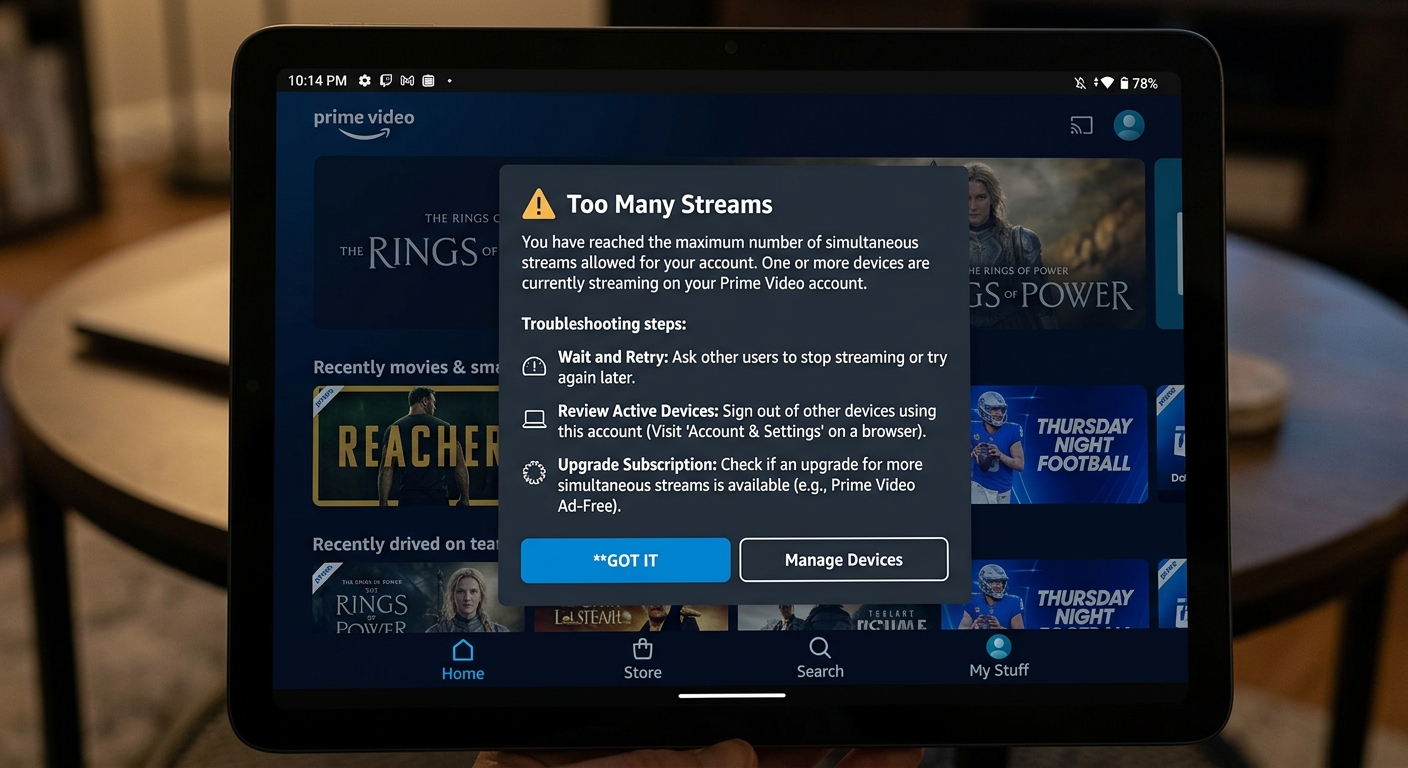
Amazon Prime Video supports streaming on three devices simultaneously per account. This limit applies regardless of your device type or viewing location. Whether you’re watching on smartphones, tablets, smart TVs, or streaming sticks, the three-stream maximum remains constant. The platform doesn’t restrict how many devices you can register to your account. You can authorize dozens of devices for occasional use. However, only three can actively stream content at the same time. This distinction matters when sharing your subscription within your household. Prime Video tracks active streams in real-time. If someone tries starting a fourth stream, they’ll receive an error message. The system automatically prompts them to stop playback on another device first. This enforcement prevents unauthorized account sharing outside your immediate household. Registered devices remain linked to your account until you manually remove them. Access your Prime Video settings to manage authorized devices anytime. Regular device audits help maintain account security and ensure only trusted devices have access to your subscription. Learn more about managing streaming devices effectively.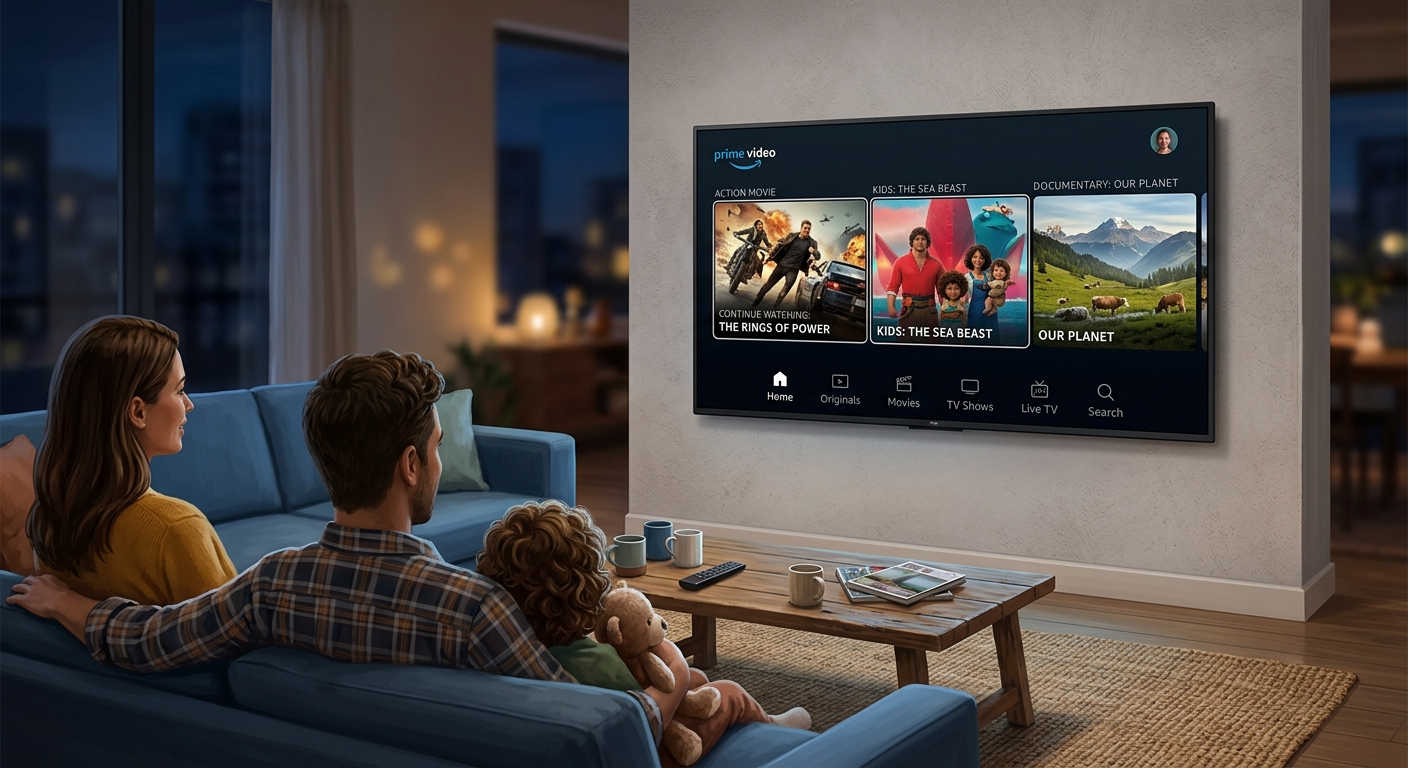
How Many Devices Can Stream Amazon Prime Video
When asking how many devices can stream Amazon Prime, the answer depends on content type. Standard Prime Video content allows three simultaneous streams. However, some titles have stricter limitations due to licensing agreements with content providers. Certain premium channels or rental content may restrict streaming to just one or two devices. These exceptions are clearly marked in the content details before you start watching. Always check streaming availability for rented movies or purchased shows. Downloaded content doesn’t count toward your simultaneous streaming limit. You can download videos to your mobile devices for offline viewing without affecting active streams. This feature proves invaluable during travel or in areas with poor internet connectivity. The three-device limit applies per Amazon account, not per Prime membership. If multiple family members share one account, coordinate viewing schedules during peak times. Communication prevents frustrating interruptions when someone exceeds the streaming capacity. According to Amazon’s official support documentation, these limits protect content licensing agreements. Understanding these restrictions helps you plan family viewing sessions more effectively.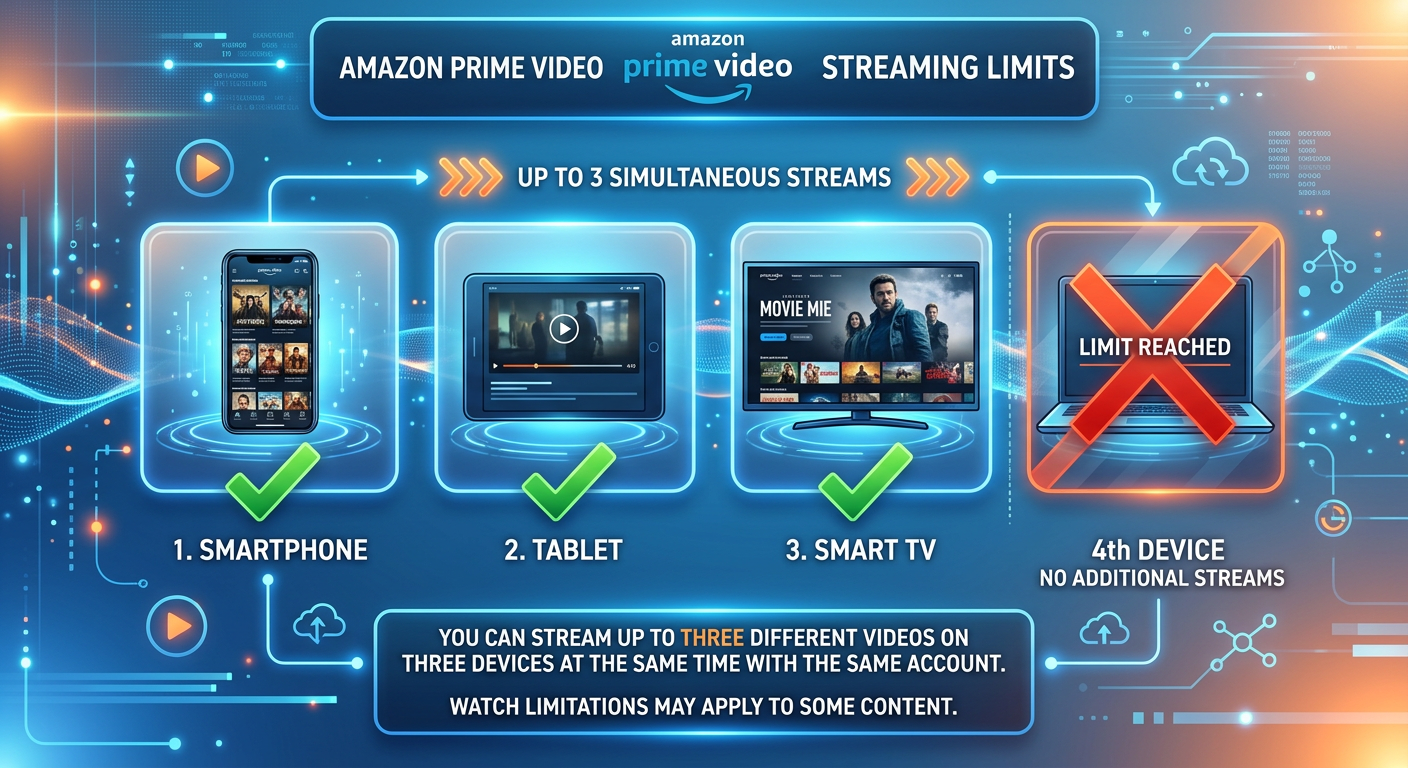
Compatible Devices for Amazon Prime Streaming
Amazon Prime supports an extensive range of devices for streaming entertainment. Smart TVs from Samsung, LG, Sony, and Vizio come with built-in Prime Video apps. Fire TV devices offer seamless integration with Amazon’s ecosystem and the best streaming experience. Streaming media players like Roku, Apple TV, and Chromecast all support Prime Video. Gaming consoles including PlayStation and Xbox provide dedicated Prime Video applications. Mobile devices running iOS and Android access content through the official Prime Video app. Web browsers offer another convenient streaming option for Prime subscribers. Chrome, Firefox, Safari, and Edge all support Prime Video playback with proper DRM compatibility. Desktop streaming doesn’t require app installation, just a stable internet connection. Each device type may have slightly different features or interface designs. However, the core streaming functionality remains consistent across all platforms. Your watch history and preferences sync automatically across authorized devices. Device compatibility continues expanding as Amazon updates its platform regularly. Check your specific device manufacturer’s app store for the latest Prime Video application version. Keeping apps updated ensures optimal performance and access to newest features.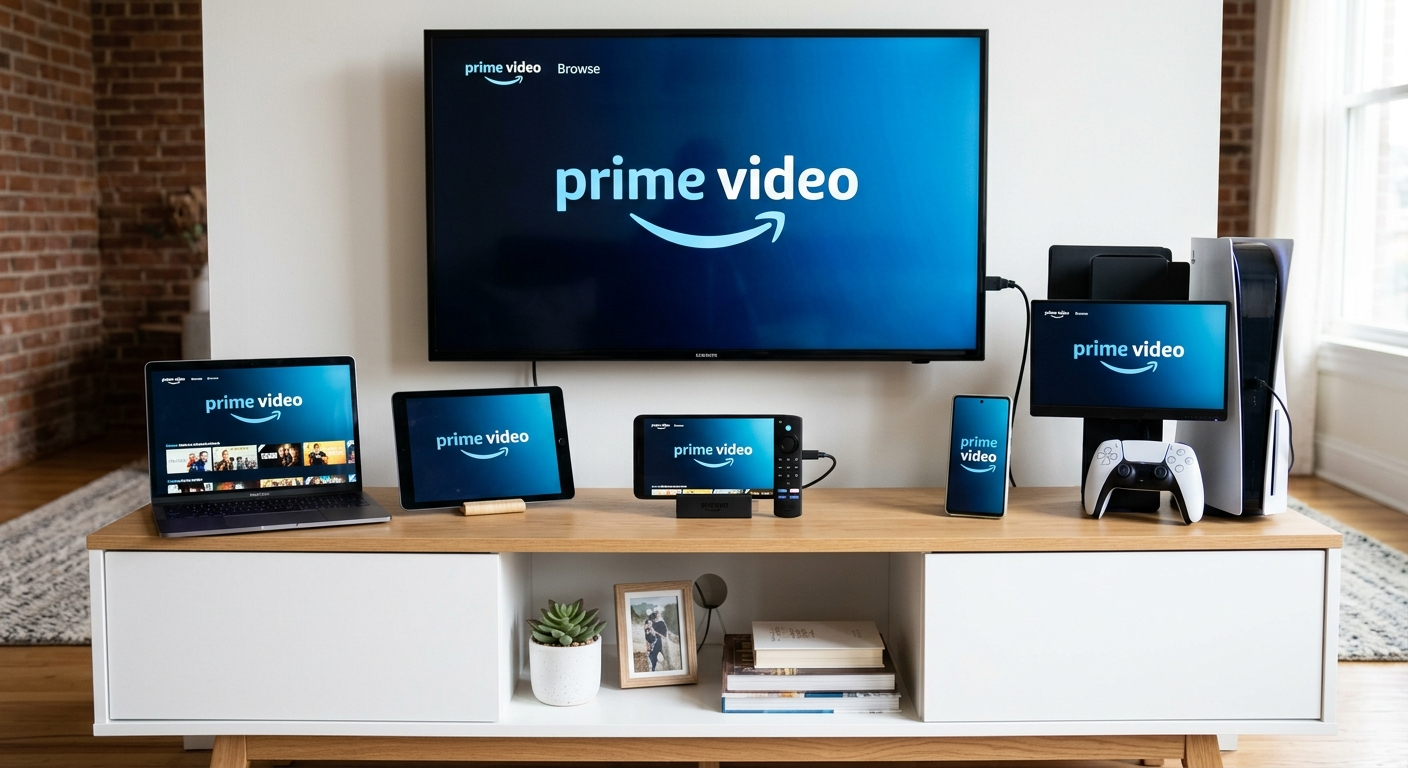
Maximizing Your Amazon Prime Device Streaming
Strategic planning helps families maximize their three-device streaming limit effectively. Create viewing schedules during peak evening hours when everyone wants to watch simultaneously. Stagger start times by just fifteen minutes to accommodate more viewers throughout the evening. Download content to mobile devices before long trips or commutes. Offline viewing doesn’t consume your simultaneous streaming quota. Kids can watch downloaded shows on tablets during car rides while parents stream different content at home. Consider upgrading your internet bandwidth if buffering occurs with multiple streams. Amazon recommends at least 15 Mbps for HD streaming across three devices. Faster connections ensure smooth playback without quality degradation or interruptions. Use profiles to personalize each family member’s viewing experience. While profiles don’t increase streaming limits, they organize content recommendations and watch history separately. Everyone gets age-appropriate suggestions tailored to their preferences. Remove old or unused devices from your authorized device list regularly. This security practice prevents unauthorized access from forgotten tablets or phones. Access your Amazon account settings to audit and manage connected devices quarterly. Explore family-friendly streaming strategies for better household coordination.
Troubleshooting Amazon Prime Multi-Device Streaming
Encountering streaming errors usually indicates you’ve exceeded the three-device limit. The error message typically reads “Video Unavailable” or “Too Many Streams.” Stop playback on one device to free up a streaming slot for another viewer. Check which devices are currently streaming by logging into your Amazon account. Navigate to Prime Video settings to view active sessions across your household. This visibility helps identify unexpected active streams from forgotten devices. Sometimes apps don’t properly close streams after viewing ends. Force-close the Prime Video app on recently used devices to release streaming slots. Restart the app on your desired device and try streaming again. Device authorization issues can also block streaming access. Sign out and sign back into your Amazon account on problematic devices. This refresh resolves most authentication errors that prevent content playback. For persistent problems, contact Amazon customer support through their help center. Their team can investigate account-specific issues affecting your streaming capacity. According to tech experts at TechAdvisor, most streaming issues resolve within minutes using these troubleshooting steps.