Understanding Disney Plus GroupWatch for Shared Play
Disney Plus GroupWatch represents the easiest way to share play on Disney Plus with remote viewers. This feature synchronizes playback across multiple accounts in real-time. Up to seven people can join each GroupWatch session. The setup process takes less than two minutes. Open any movie or series episode on Disney Plus. Look for the GroupWatch icon near the play button. Click it to generate a shareable link for your watch party. GroupWatch participants control their own playback independently. Anyone can pause, rewind, or add reactions during viewing. Emoji reactions appear on everyone’s screen simultaneously. This interactive element enhances the shared experience significantly. All participants need their own Disney Plus subscriptions for GroupWatch. The feature won’t work if someone lacks active membership. Each viewer streams from their individual account. Location restrictions don’t apply within the same country. Learn more about Disney Plus account sharing options to maximize your subscription value. GroupWatch supports most Disney Plus content libraries. Some titles may have regional restrictions. Check availability before scheduling your watch party.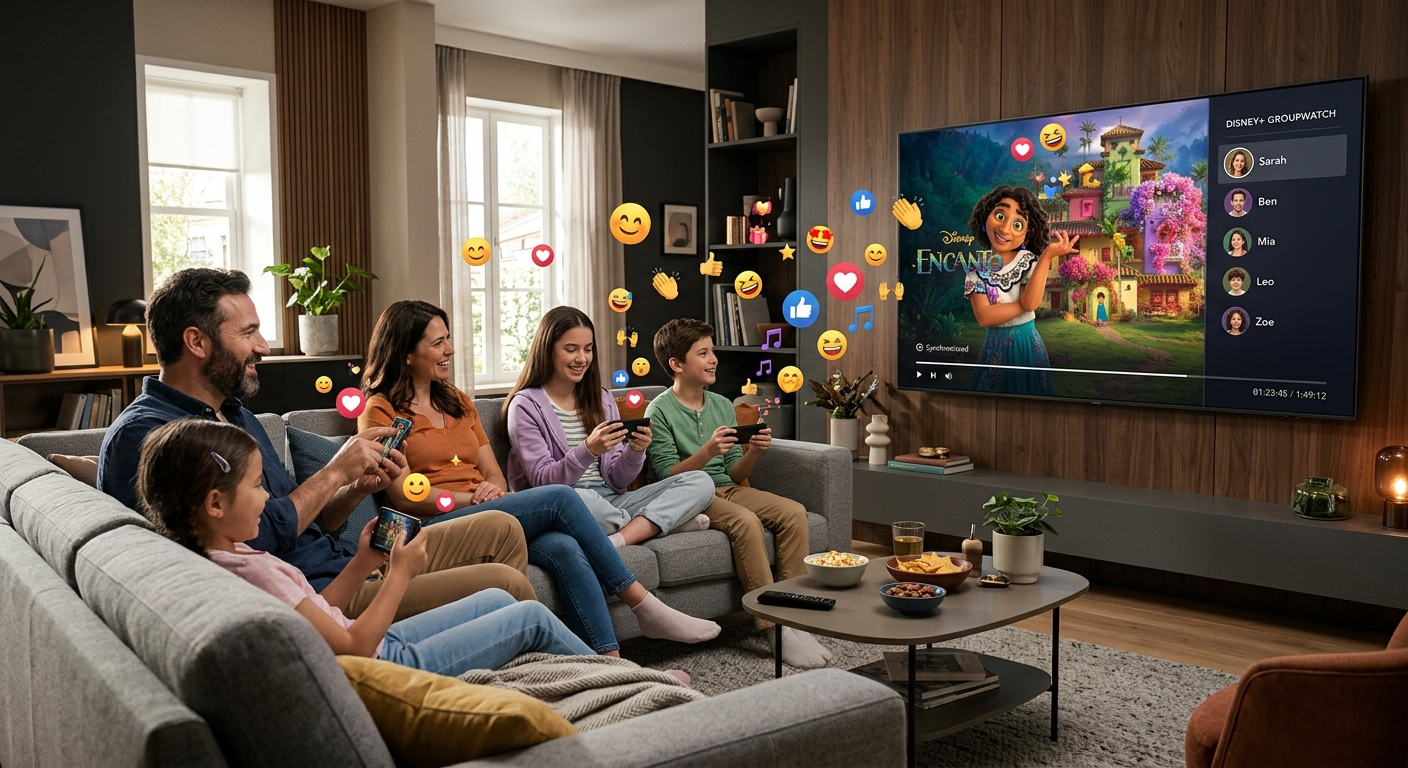
Setting Up Profile Sharing to Share Play on Disney Plus
Profile creation enables household sharing without compromising personalization. Each Disney Plus account supports up to seven individual profiles. This structure allows family members to share play on Disney Plus while maintaining separate watch histories. Creating profiles takes just seconds. Navigate to your account settings menu. Select ‘Add Profile’ and choose an avatar. Enter a name and set age restrictions if needed. Kids profiles automatically filter inappropriate content. Disney Plus uses age ratings to curate suitable libraries. Parents maintain full control over viewing restrictions. Each profile generates personalized recommendations based on viewing habits. Profile switching happens instantly during streaming sessions. No logout required between users. The platform remembers where each person stopped watching. Continue watching lists stay completely separate across profiles. Household verification ensures compliance with Disney Plus terms. The system occasionally checks that profiles belong to the same household. Disney’s official support documentation provides detailed guidelines about proper account usage and sharing policies. Profile customization extends beyond names and avatars. Adjust subtitle preferences, audio language, and playback quality per profile. These individual settings enhance everyone’s streaming experience.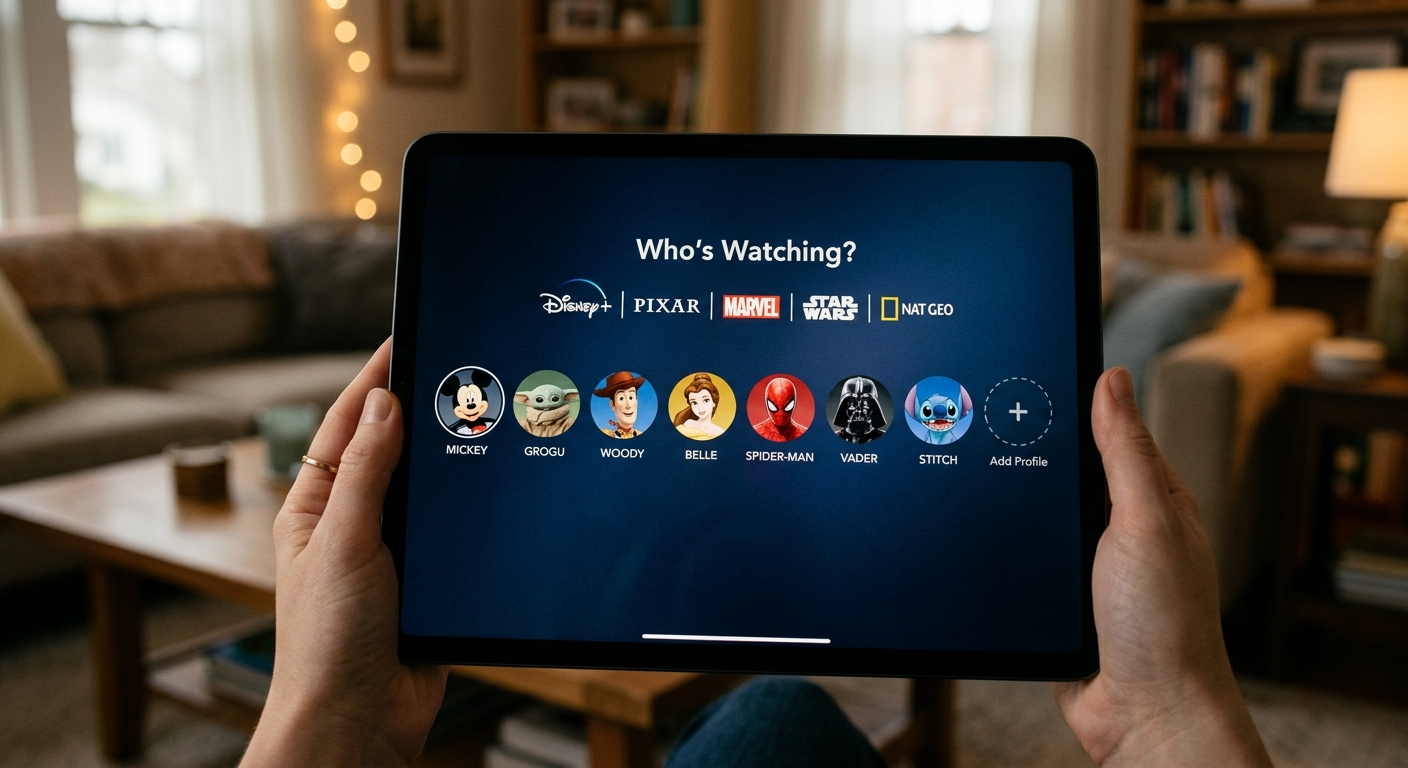
Managing Device Limits When You Share Play on Disney Plus
Disney Plus allows four simultaneous streams per subscription. This limit affects how you share play on Disney Plus across multiple locations. Understanding device management prevents streaming interruptions. Unlimited devices can be authorized on your account. Only four can stream simultaneously. This distinction matters for larger households. Register all family devices during initial setup. The platform tracks active streaming sessions automatically. When the fourth device starts playing, no fifth device can begin. Someone must stop streaming before another viewer starts. The system displays clear error messages when limits are reached. Device removal helps manage authorized equipment. Remove old or unused devices from your account regularly. Access device management through account settings. This prevents unauthorized access and frees up authorization slots. Mobile downloads don’t count against simultaneous streaming limits. Download content for offline viewing during travel. Up to ten devices can store downloaded content simultaneously. This feature maximizes subscription value for busy families. Streaming quality adjusts based on available bandwidth. Multiple simultaneous streams may reduce individual quality. Disney Plus automatically optimizes for the best collective experience.Troubleshooting Common Issues When You Share Play
Technical problems occasionally interrupt shared viewing experiences. Knowing how to troubleshoot helps you share play on Disney Plus without frustration. Most issues resolve quickly with simple solutions. GroupWatch connection errors typically stem from network problems. Ensure all participants have stable internet connections. Minimum speeds of 5 Mbps support standard definition streaming. HD requires 25 Mbps for optimal performance. Account verification prompts appear when Disney detects unusual sharing patterns. The platform uses IP addresses and device locations to verify household members. Traveling users should expect occasional verification requests. Keep your account credentials secure and readily available. Playback synchronization issues affect GroupWatch sessions sometimes. If participants see different timestamps, pause and restart together. Close and reopen the Disney Plus app to reset connections. This usually resolves desynchronization immediately. Profile switching errors occur when too many devices access simultaneously. Remember the four-stream limit when planning shared viewing. Coordinate with household members to avoid conflicts during peak usage times. Video quality degradation indicates bandwidth limitations. Multiple streams compete for available internet speed. Reduce simultaneous streams or upgrade your internet plan. Download content for offline viewing to bypass streaming limitations entirely.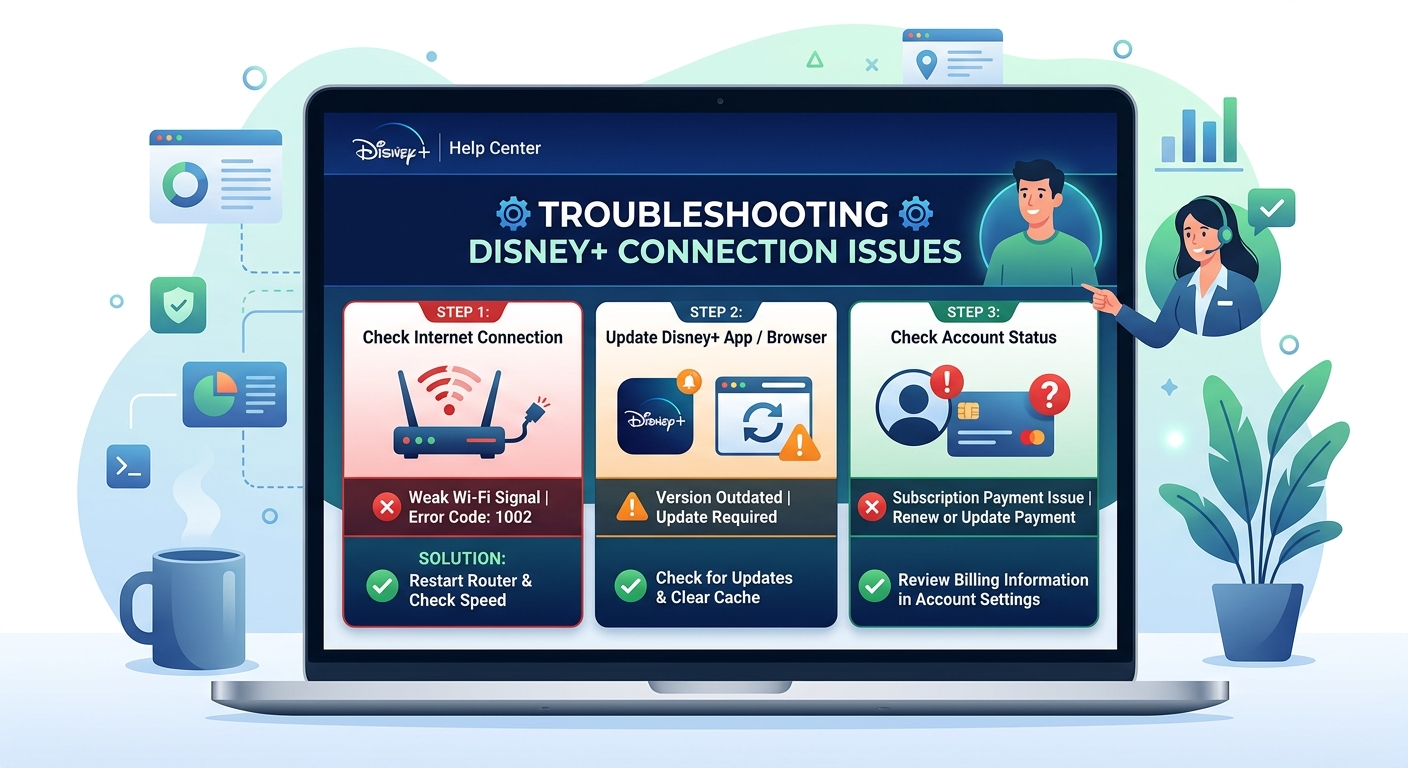
Best Practices for Safe Sharing on Disney Plus
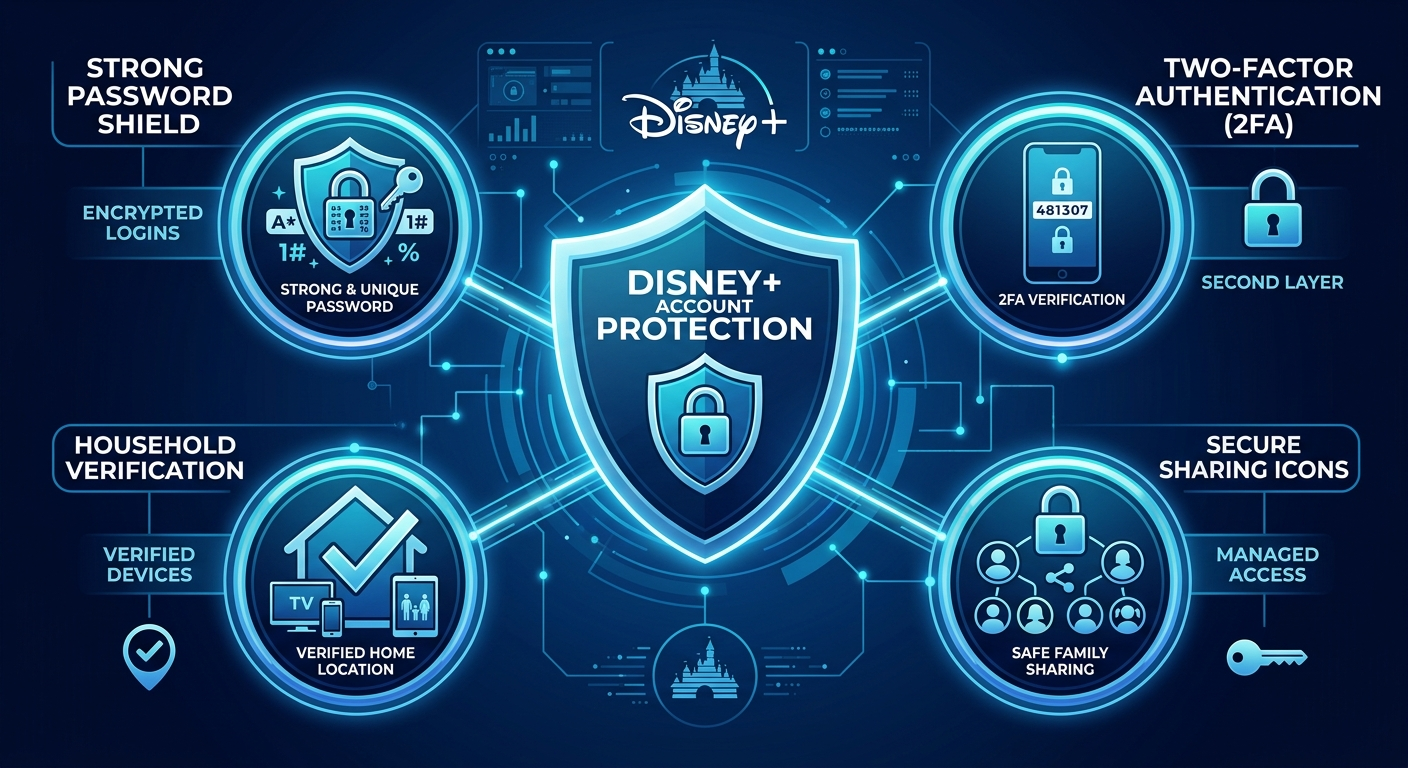
Responsible account sharing protects your subscription and personal information. Following these practices ensures you share play on Disney Plus safely and compliantly. Security should always remain your top priority. Share credentials only within your immediate household. Disney Plus terms of service specifically limit sharing to household members. Extended family and friends require their own subscriptions. Violating terms risks account suspension or termination. Use strong, unique passwords for your Disney Plus account. Enable two-factor authentication when available. Change passwords regularly, especially after sharing with new household members. Never reuse passwords across multiple streaming services. Monitor your account activity through viewing history. Disney Plus displays all recently watched content across profiles. Unfamiliar titles indicate unauthorized access. Immediately change passwords if you suspect account compromise. Limit profile access appropriately for children. Kids profiles prevent access to mature content automatically. Set PIN codes on adult profiles for additional protection. Review age ratings before allowing children to browse independently. Consider subscription sharing services for cost reduction with proper safeguards. Anexly.us offers secure subscription sharing that maintains account security while reducing costs by 60%. These platforms facilitate safe sharing between trusted users through secure payment and access management systems.