Setting Up Family Sharing for Apple Music Subscription
Before you share Apple Music subscription with family members, you need Family Sharing enabled on your Apple ID. Open Settings on your iPhone. Tap your name at the top of the screen. Select Family Sharing and follow the simple setup prompts. The organizer must have an active Apple Music Family plan subscription. This costs $16.99 monthly and covers up to six people total. That’s significant savings compared to six individual plans at $10.99 each. The family organizer pays the subscription fee automatically. Apple requires all family members to use the same payment method for purchases. However, each person can enable Ask to Buy for children under 18. This prevents unauthorized spending while maintaining shared access. Visit Apple’s Family Sharing guide for official documentation on payment settings and parental controls.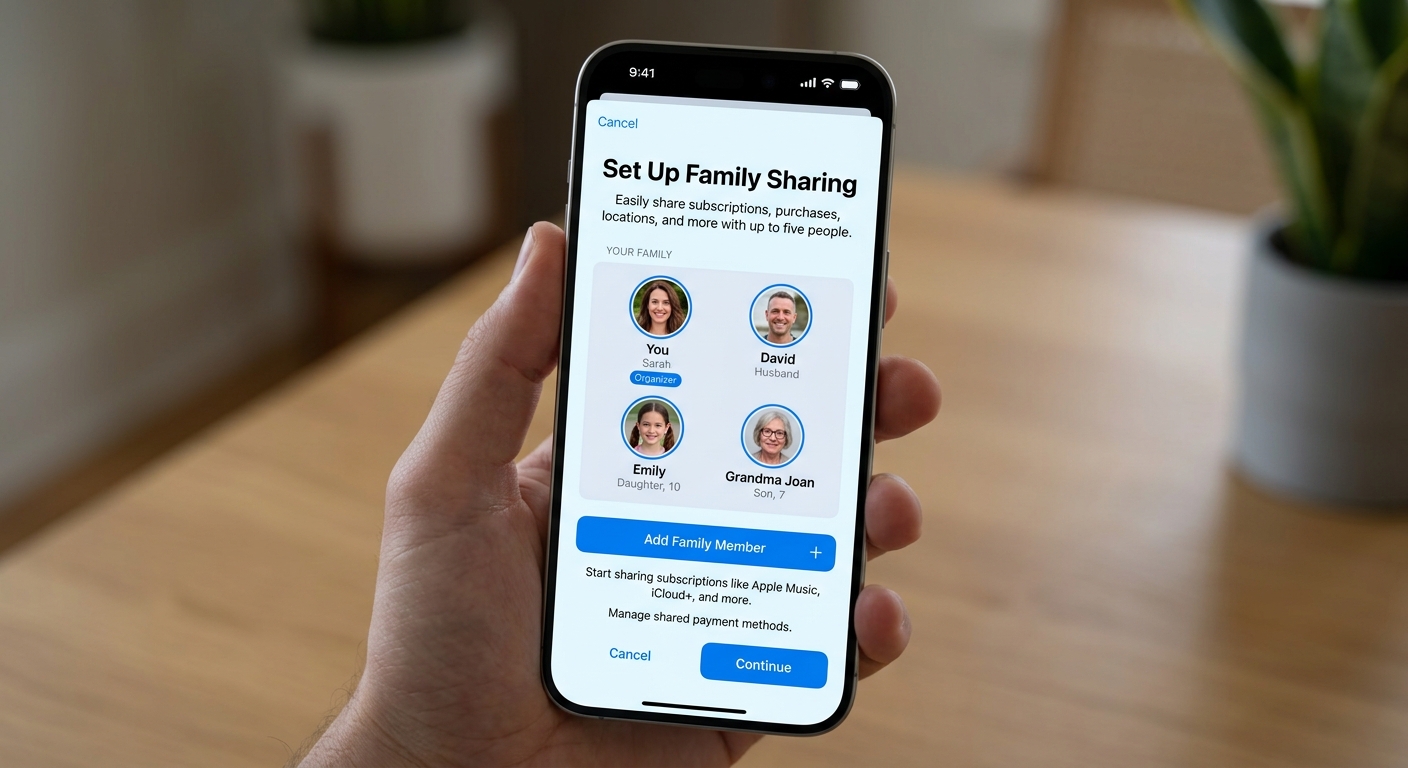
Adding Family Members to Your Apple Music Subscription
Once Family Sharing activates, adding members becomes straightforward. Navigate to Settings and tap your name. Select Family Sharing again, then choose Add Member. You can invite via iMessage, email, or in person if they’re nearby. Each family member receives an invitation notification. They simply accept the invitation through their Apple device. The process completes automatically within minutes. No complicated codes or additional verification steps are required for most accounts. Family members must be 13 years or older to create their own Apple ID. Younger children need parent-created accounts with Ask to Buy enabled. The family plan comparison guide shows how Apple Music stacks up against Spotify and other services. All invited members gain immediate access to over 100 million songs once they accept your invitation.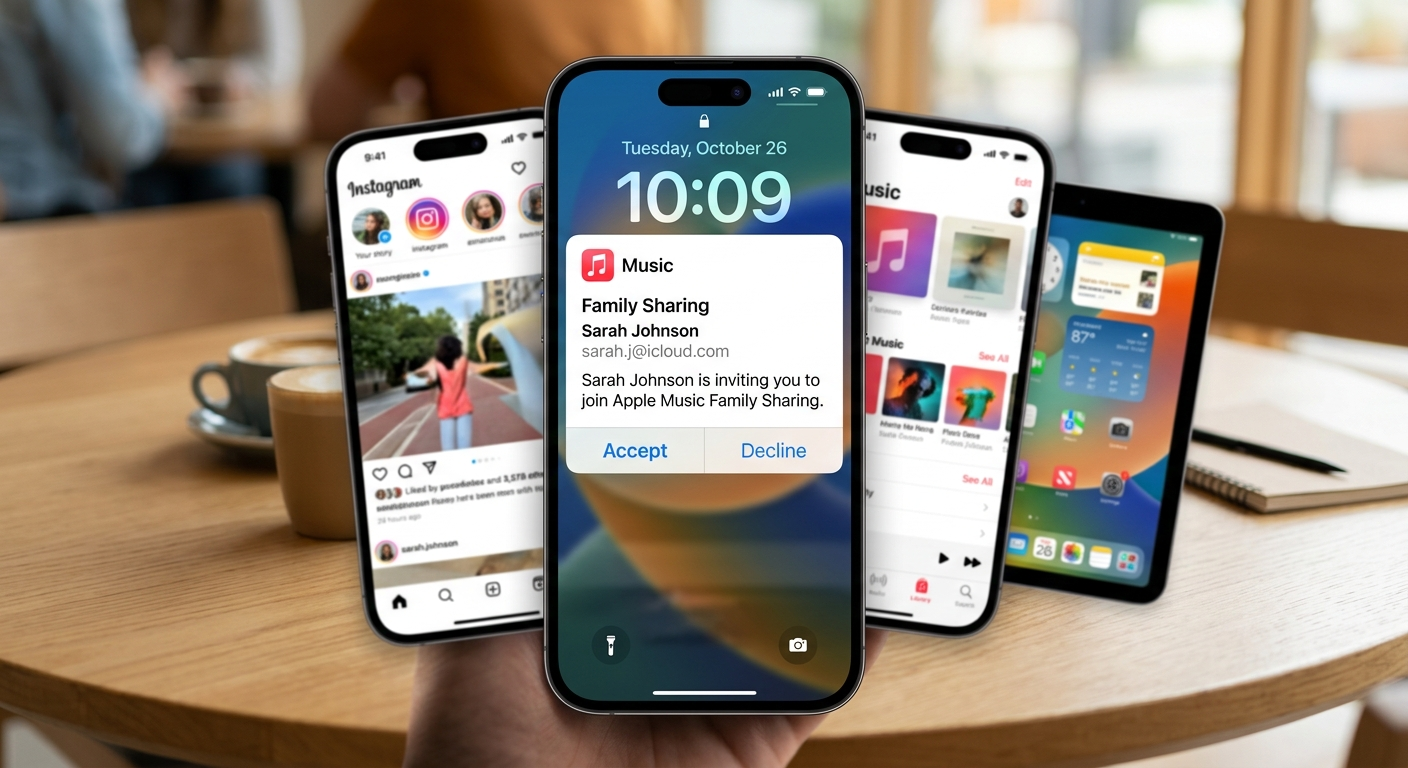
Managing Your Shared Apple Music Family Subscription
The family organizer controls all subscription management duties. Only the organizer can add or remove family members. They also handle subscription renewals and payment method updates. Other family members cannot modify these core settings. Each person maintains completely separate music libraries and playlists. Your teenager’s hip-hop collection won’t clutter your classical music preferences. Apple Music algorithms learn individual tastes separately. Everyone receives personalized recommendations based on their unique listening patterns. Family members can see what others are listening to if they enable shared playlists. This feature remains optional for privacy-conscious users. The organizer reviews subscription details anytime through Settings, their Apple ID, and Subscriptions. This centralized management makes knowing how to share Apple Music subscription with family incredibly user-friendly compared to other platforms.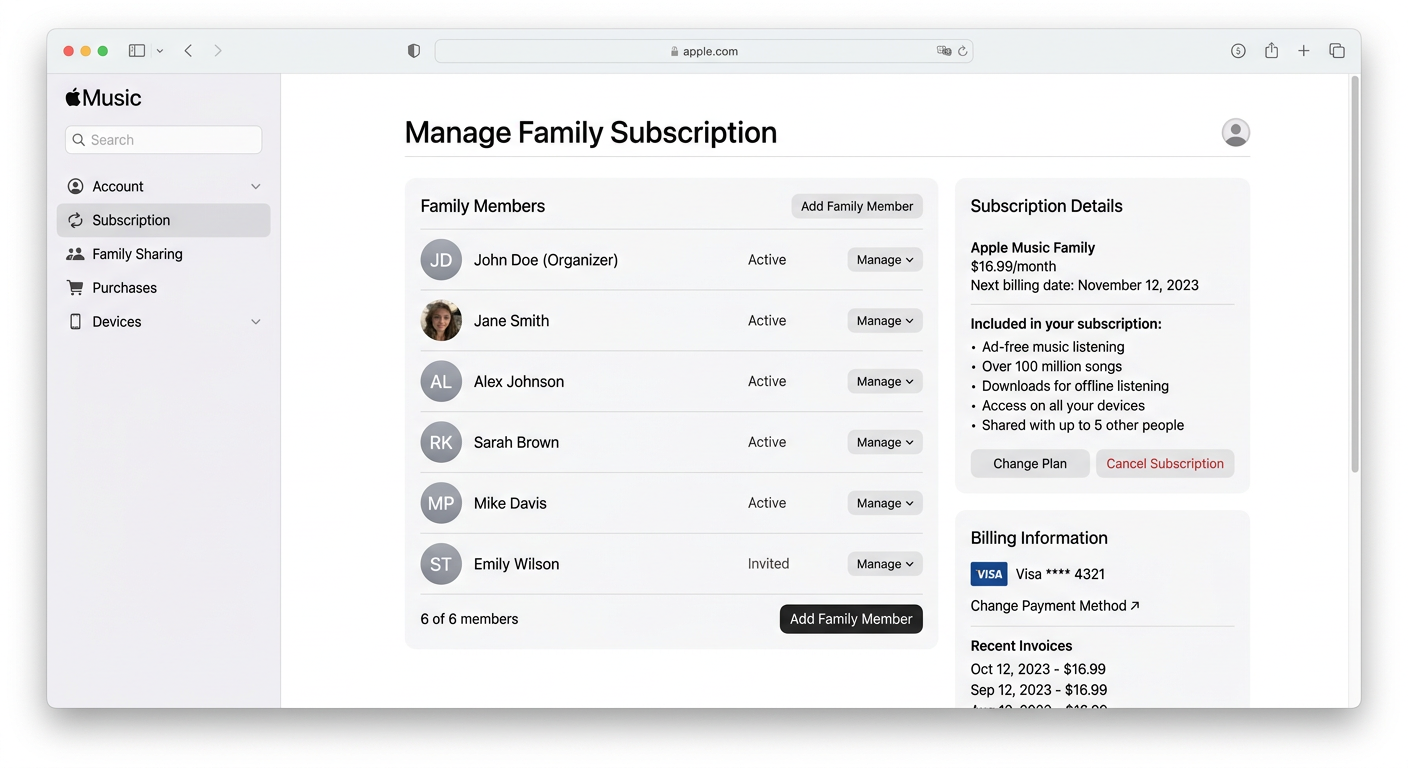
Troubleshooting Common Issues When You Share Apple Music Subscription
Some family members report not seeing the Music app after accepting invitations. This usually requires a simple device restart. Sign out of your Apple ID completely, restart your device, then sign back in. The subscription access typically appears immediately after this refresh. Payment method conflicts cause frequent setup problems. All family members must agree to share one payment method. If someone has an outstanding balance on their individual account, they must resolve it first. Apple won’t merge accounts with pending payments into Family Sharing. Geographic restrictions affect some users trying to share subscriptions internationally. Apple requires all family members to reside in the same country. The system checks billing addresses and location data. Users attempting cross-border sharing may encounter verification errors. Check Apple Music’s official terms for complete geographic availability details and regional restrictions that might affect your family setup.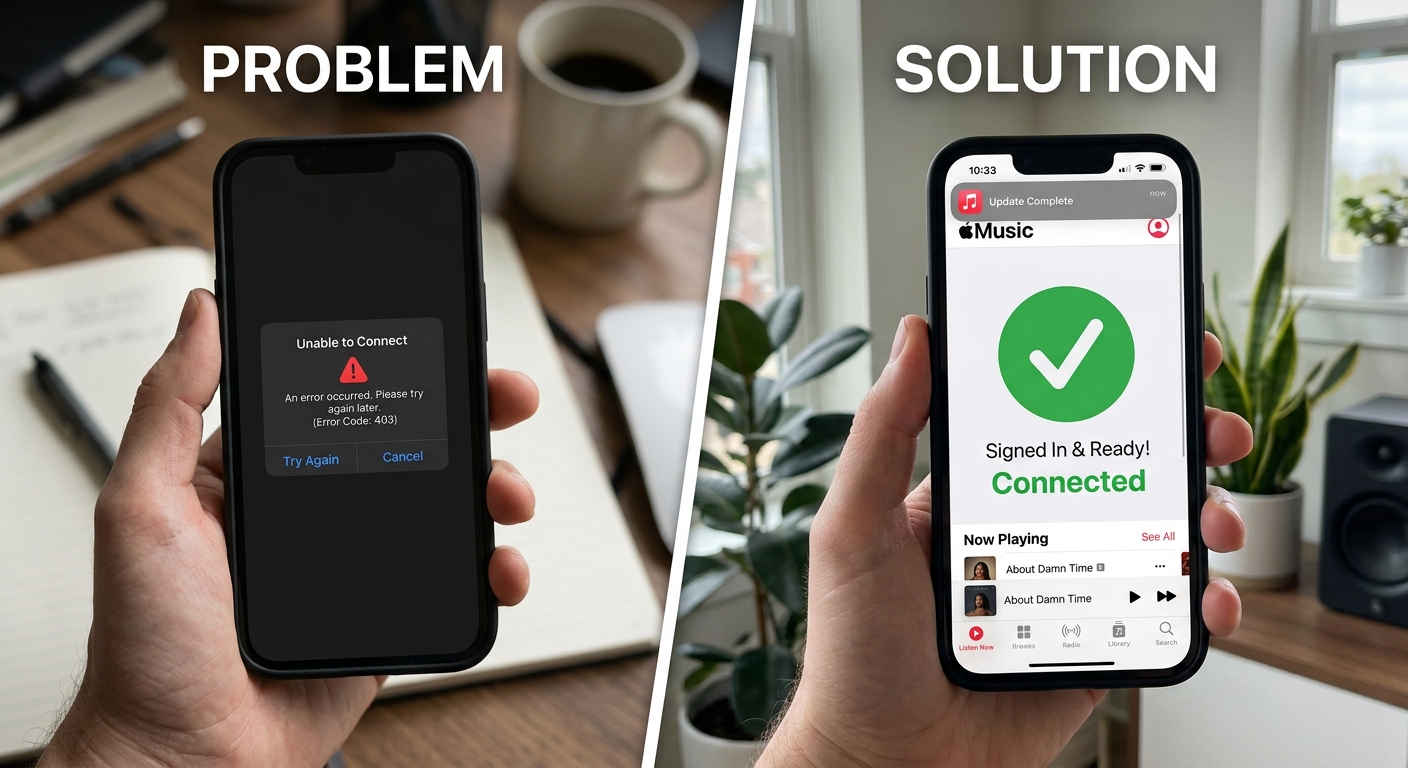
Maximizing Value from Your Family Apple Music Subscription
Understanding how to share Apple Music subscription with family goes beyond basic setup. Create shared family playlists for road trips and gatherings. Each member can contribute favorite songs. These collaborative playlists strengthen family connections through shared musical experiences. Take advantage of Apple Music’s spatial audio and lossless quality. All six family members access these premium features. There’s no quality reduction for shared subscriptions. Everyone streams at maximum audio fidelity simultaneously across all their devices. Explore Apple Music’s curated radio stations and exclusive content together. Family members can discover new artists through each other’s recommendations. The service includes live radio stations, artist interviews, and exclusive album releases. Check our subscription management guide for additional ways to optimize your streaming budget across multiple services while maintaining premium access for your entire household.