

No products in the cart.

Understanding Apple Music Family Sharing
Apple Music offers two sharing options: Individual and Family plans. The Family plan costs $16.99 monthly versus $10.99 for individual access. Six people can share one Family subscription, making it incredibly cost-effective. Each family member gets their own personalized music library. Your playlists, recommendations, and listening history remain completely private. Apple uses individual Apple IDs to keep everyone’s experience separate and customized. Family Sharing works across all Apple devices seamlessly. iPhones, iPads, Macs, and Apple TVs all support this feature. You can even access shared subscriptions on Android devices through the Apple Music app. The system automatically syncs preferences across every device you own. Setting up how to share Apple Music subscription takes less than five minutes. The family organizer controls invitation management and payment methods. All members must accept the invitation to gain full access to the shared subscription benefits.
Step-by-Step: How to Share Apple Music Subscription Setup
Open Settings on your iPhone or iPad first. Tap your name at the top to access Apple ID settings. Select ‘Family Sharing’ from the menu options available. Tap ‘Set Up Your Family’ to begin the process. The system designates you as the family organizer automatically. Your payment method will cover the shared subscription costs for all members. Choose ‘Invite Family Members’ to add people. Enter their Apple ID email addresses or phone numbers. They’ll receive immediate invitation notifications on their devices. Family members must accept invitations within 90 days. They tap the notification, review sharing details, and confirm participation. Once accepted, Apple Music access activates instantly across their devices. Verify everyone has access by checking Family Sharing settings. Each member appears in your family list with their profile picture. You can manage family members through these same settings anytime. The organizer can remove members or send new invitations as household needs change over time.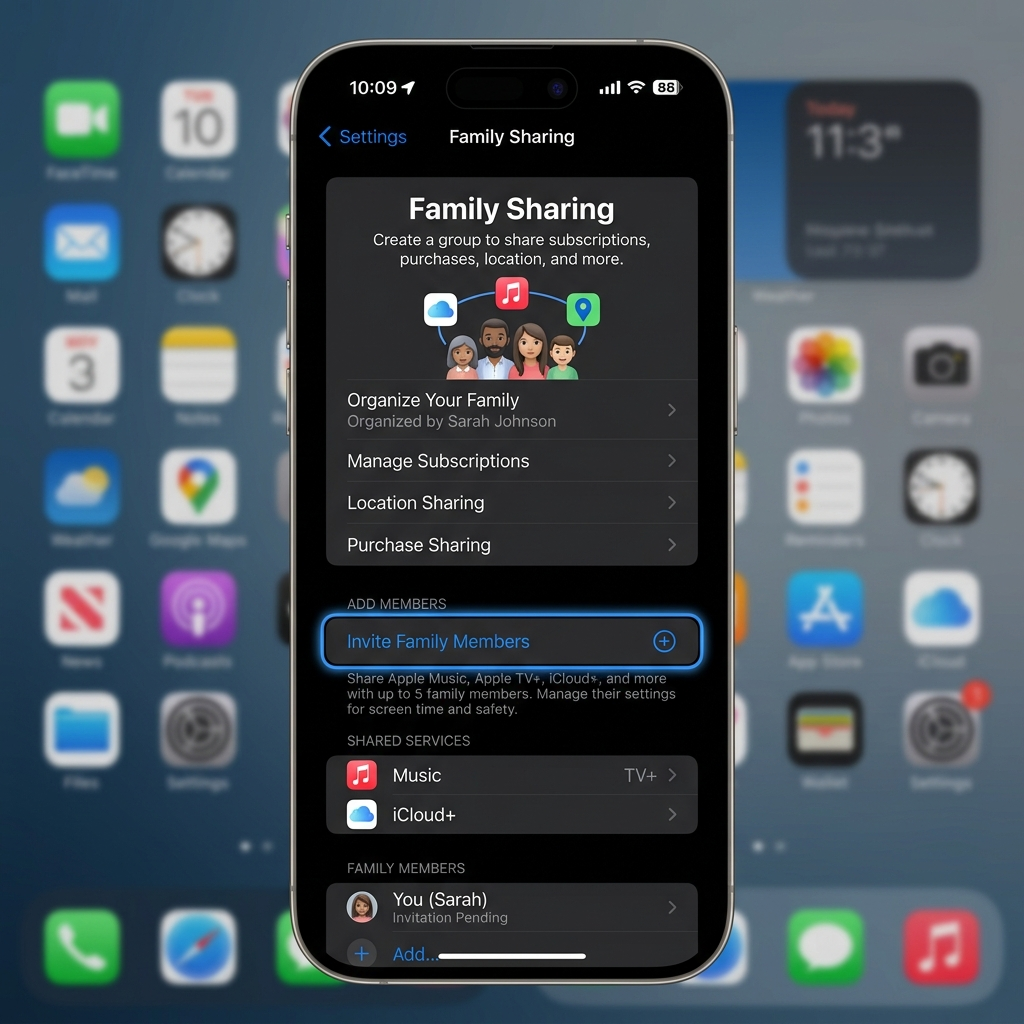
Managing Privacy When You Share Apple Music Subscription
Privacy remains completely protected under Family Sharing. Your listening history stays private from other family members. Apple doesn’t share playlists, favorites, or downloaded songs between accounts automatically. Each family member maintains separate Apple Music libraries. Recommendations reflect individual tastes and preferences. The algorithm learns from your specific listening patterns without mixing data from other family members. Purchase sharing works differently than music streaming. Family members can optionally share iTunes purchases including songs, albums, and movies. You control these settings independently from Apple Music streaming access. Location sharing is optional within Family Sharing. You can disable this feature while keeping music subscription access active. Navigate to Settings, tap your name, select Family Sharing, then customize location preferences for complete control. Parental controls offer additional privacy management tools. Parents restrict explicit content and limit screen time effectively. These parental control features work independently across each family member’s device without affecting adult accounts.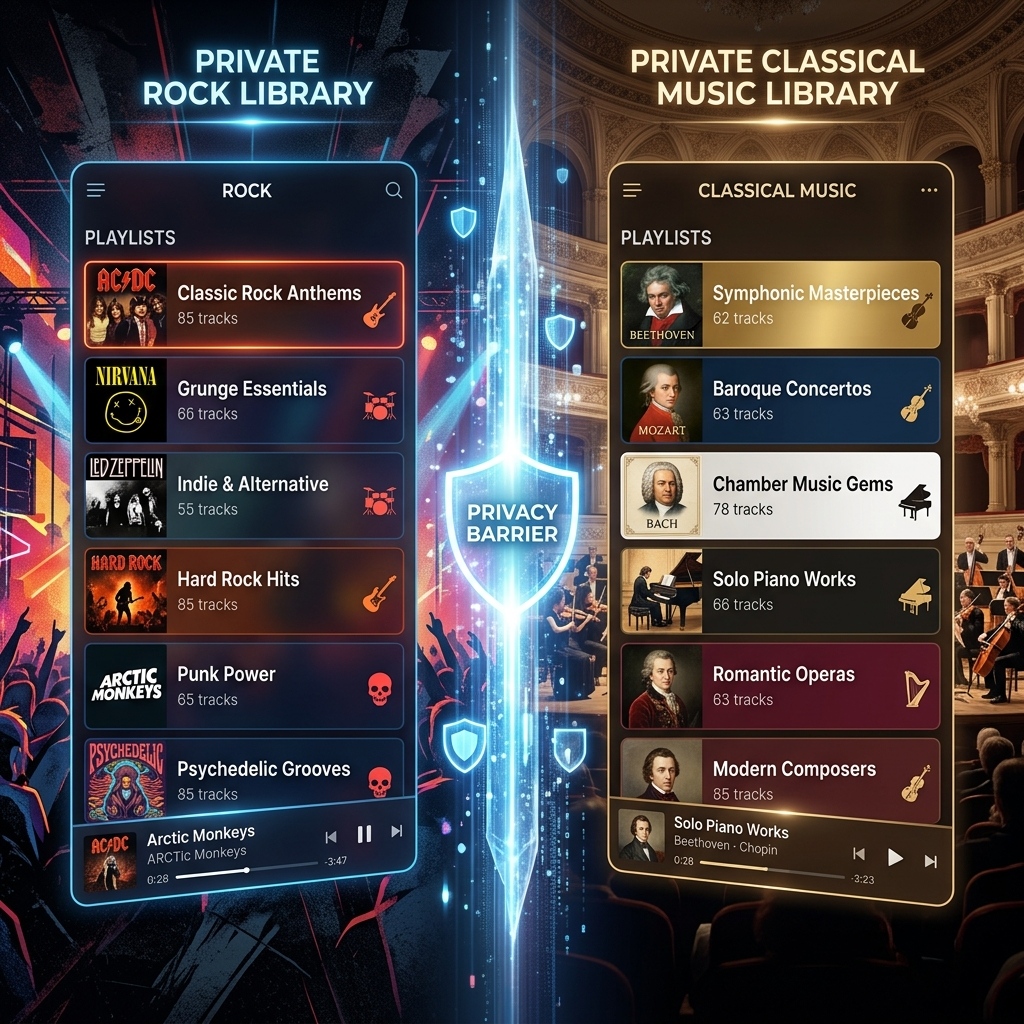
Troubleshooting Common Apple Music Subscription Sharing Issues
Invitation issues arise when email addresses don’t match Apple IDs. Verify you’re sending invitations to the correct registered Apple ID email. Family members should check spam folders if invitations don’t appear immediately. Payment problems can prevent successful subscription sharing. The family organizer must maintain a valid payment method on file. Update credit card information in Apple ID settings if subscription access suddenly stops working. Device compatibility affects how to share Apple Music subscription successfully. All members need iOS 8 or later, or macOS Yosemite and newer versions. Android users require the Apple Music app version 2.0 or higher for full functionality. Regional restrictions limit Family Sharing availability. All family members must reside in the same country or region. Apple enforces this policy to comply with licensing agreements and content distribution rights across different territories. Account switching causes temporary access disruptions. If someone leaves Family Sharing, they lose access immediately. Individual subscriptions must be purchased separately, or they can join another family group to restore access quickly.
Maximizing Benefits of Your Shared Apple Music Subscription
Create collaborative playlists to enhance family music experiences. Family members can contribute songs to shared playlists for road trips, parties, or everyday listening. This feature builds stronger connections through musical discovery together. Download music for offline listening across all devices. Each family member can download up to 100,000 songs for offline playback. This feature works perfectly during flights, road trips, or areas with poor internet connectivity. Explore Apple Music’s exclusive content together. Live radio stations, music videos, and artist interviews provide entertainment beyond basic streaming. Family members discover new content through Beats 1 and genre-specific stations. Utilize voice commands with Siri for hands-free control. Ask Siri to play specific songs, albums, or playlists instantly. This functionality works seamlessly across HomePod, CarPlay, and all Apple devices supporting voice activation. Student discounts offer additional savings opportunities. Eligible college students get Apple Music for $5.99 monthly, though Family Sharing remains more economical for households. Compare options based on your specific household composition and needs.