
No products in the cart.

Understanding Disney Plus Account Sharing Rules
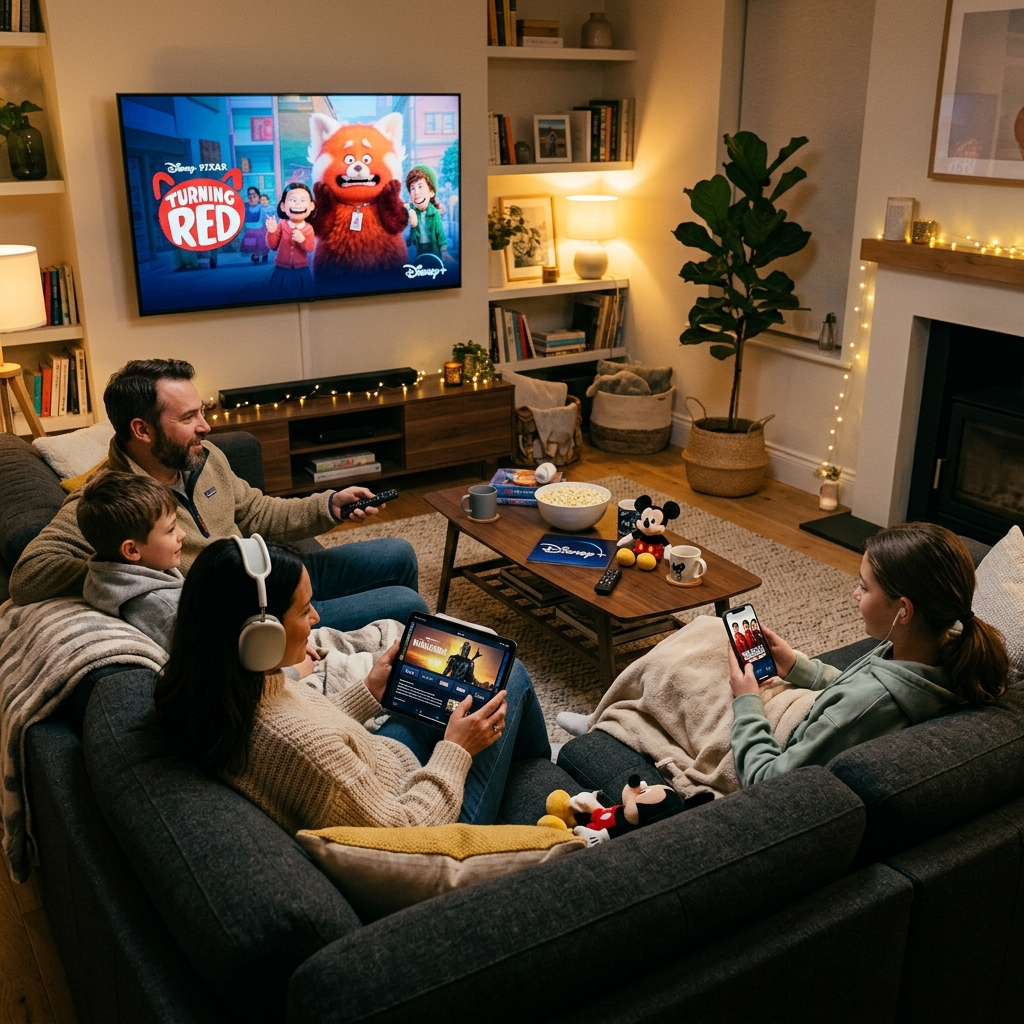
Disney Plus officially permits account sharing, but only within your household. The platform defines household as people living at your primary residence. This policy affects how you can share a Disney Plus account legally. Disney’s terms of service explicitly state subscribers can share access with household members only. The company uses IP addresses and device locations to verify household status. Accounts accessed from multiple locations frequently may trigger verification requests. Disney sends emails requiring primary account holders to confirm their household. The streaming service distinguishes between authorized devices and simultaneous streams. You can register unlimited devices to your Disney Plus account. However, only four devices can stream content simultaneously. This system balances accessibility with security. Each account supports seven individual profiles with personalized recommendations. Kids profiles automatically filter age-appropriate content. Profile customization enhances the viewing experience for every family member. Violating sharing policies risks account suspension or termination. Disney monitors unusual activity patterns across accounts. Geographic inconsistencies particularly raise red flags. The company reserves rights to restrict access without refund. Understanding these rules protects your subscription investment. Learn more about Disney Plus household verification requirements directly from official sources.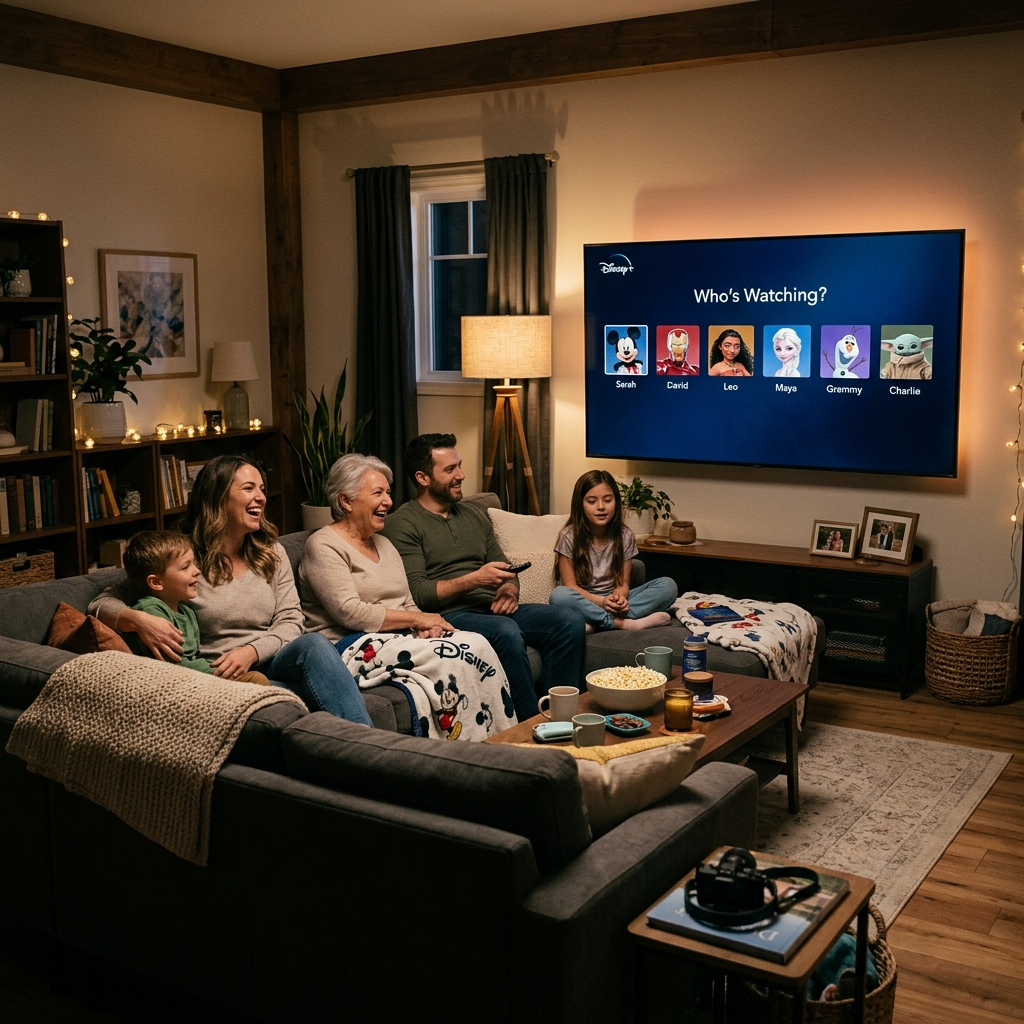
How Household Verification Works for Shared Disney Plus Accounts
Disney Plus rolled out household verification to enforce sharing policies. The system requires account holders to verify their primary household location periodically. Understanding this process helps you maintain uninterrupted access when you share a Disney Plus account. Verification typically triggers when Disney detects access from outside your household. You receive an email requesting confirmation of your primary location. The process takes just minutes to complete. Log into your account from your home network and follow the verification prompts. Disney uses your device’s IP address to establish household location. The platform allows temporary exceptions for legitimate travel. Household members can access Disney Plus while away from home temporarily. However, extended access from different locations may require reverification. College students living away from home face particular challenges with these restrictions. Disney hasn’t specified exact frequency for verification requests. Some users report quarterly checks while others see annual prompts. The company adjusts verification frequency based on usage patterns. Accounts with suspicious activity face more frequent verification. Regular verification from your primary location minimizes disruption. The Verge reports on Disney’s evolving password sharing policies and enforcement mechanisms.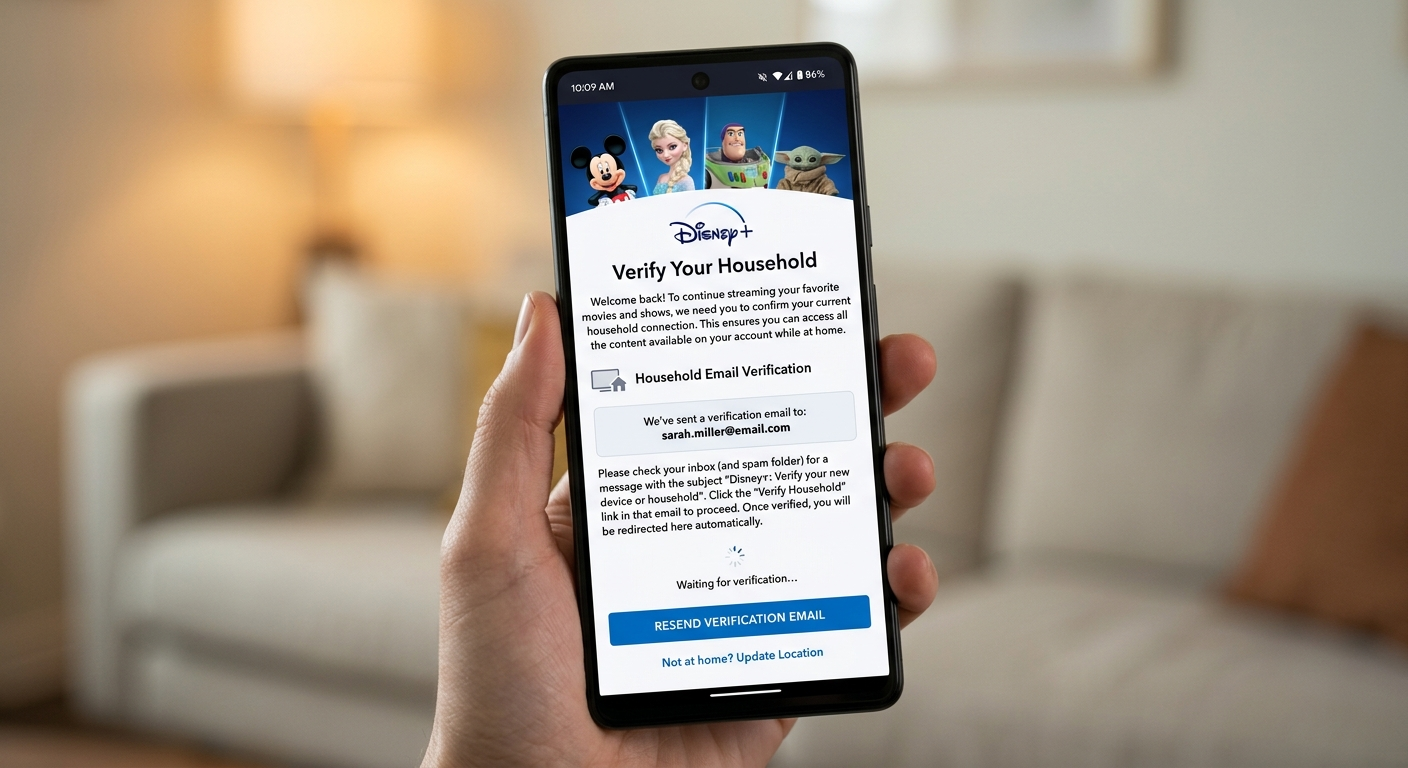
Managing Multiple Profiles When You Share Disney Plus
Profile management becomes essential when multiple people share a Disney Plus account. The platform supports up to seven individual profiles per subscription. Each profile maintains separate watchlists, recommendations, and viewing history. Creating profiles takes seconds through account settings. Click your profile icon and select ‘Add Profile’ to begin. Customize each profile with unique avatars featuring Disney characters. Name profiles clearly to avoid confusion among household members. Kids profiles include automatic content filtering based on age ratings. Profile switching ensures personalized recommendations for everyone. Disney’s algorithm learns viewing preferences for each profile independently. Adult profiles access the full content library including mature titles. Kids profiles restrict content to G, PG, and select PG-13 ratings. Parents control content access through profile PIN protection. Each profile tracks progress across shows and movies independently. Resume watching from exactly where you stopped on any device. Download capabilities extend to all profiles for offline viewing. Profile limits rarely impact typical households since seven profiles accommodate most families. Strategic profile creation maximizes the value when you share a Disney Plus account among household members. Check out our guide on managing streaming profiles effectively for more optimization strategies.Legal Alternatives for Disney Plus Account Sharing
Several legitimate options exist beyond traditional household sharing. These alternatives help you access Disney Plus content while respecting platform policies and saving money. Bundle subscriptions offer the best value for multiple streaming services. The Disney Bundle combines Disney Plus, Hulu, and ESPN Plus at discounted rates. Current pricing starts at $14.99 monthly for the ad-supported tier. Premium bundles include ad-free viewing across all three platforms. Bundling saves approximately 40% compared to individual subscriptions. Annual subscriptions provide significant savings over monthly plans. Disney Plus annual plans cost $139.99, saving about $20 yearly. Prepaying locks in current pricing regardless of future increases. Annual billing suits committed long-term subscribers best. Monthly plans offer flexibility for seasonal viewers. Subscription sharing platforms like Anexly provide safe sharing solutions. These services connect users interested in splitting subscription costs legally. Anexly facilitates sharing among verified trusted users while ensuring security. The platform handles payment coordination and account management. Users save up to 60% on streaming costs through organized sharing groups. Anexly supports Disney Plus alongside Netflix, HBO Max, and other major services. This approach offers legitimate cost savings without violating terms of service when you share a Disney Plus account through proper channels.
Best Practices for Sharing Your Disney Plus Account Safely
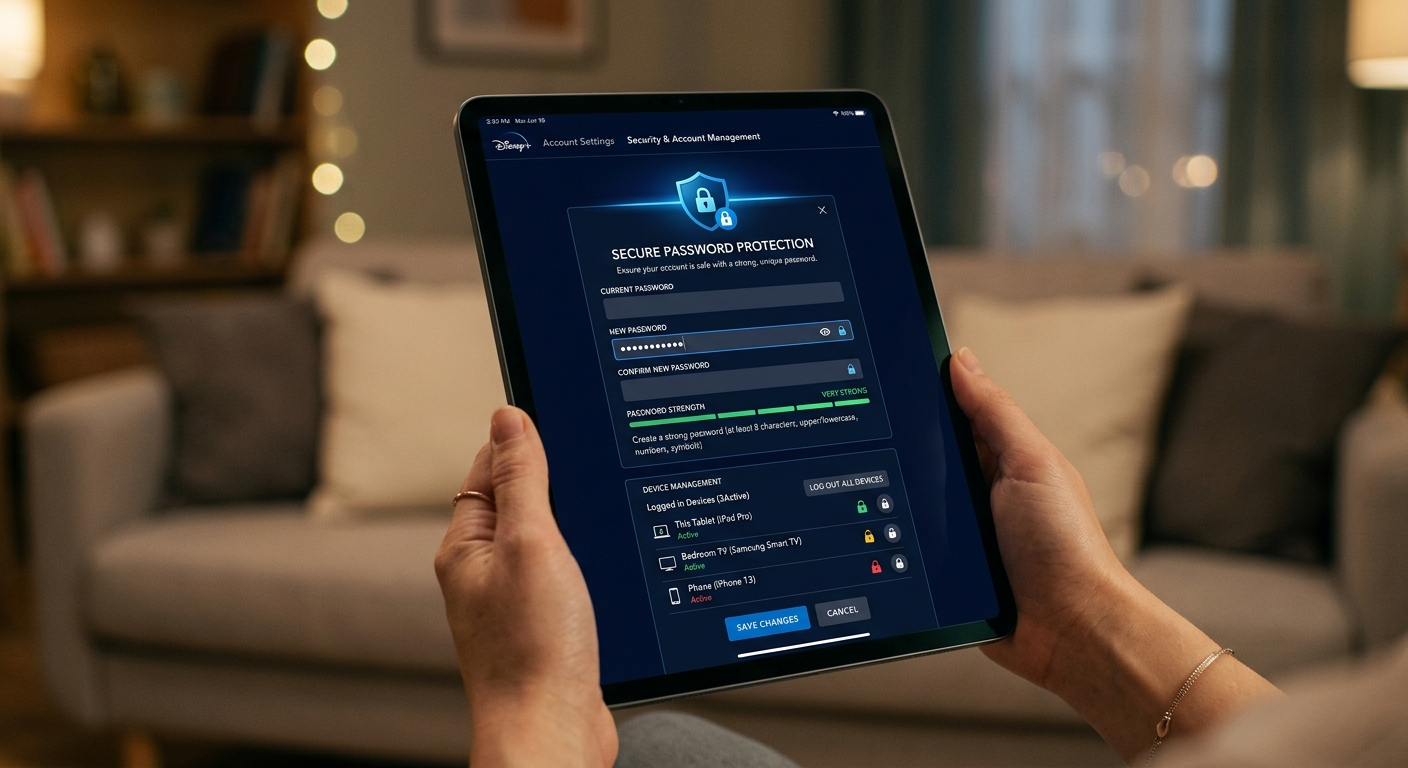
Maintaining account security remains crucial when sharing streaming subscriptions. Following best practices protects your personal information and prevents unauthorized access. Never share login credentials publicly or on social media. Limit access to trusted household members only. Use strong unique passwords combining letters, numbers, and symbols. Enable two-factor authentication when Disney Plus offers this feature. Change passwords regularly every three to six months. Monitor account activity through viewing history regularly. Disney Plus shows recently watched content across all profiles. Unfamiliar titles indicate unauthorized access requiring immediate action. Remove unrecognized devices from your account settings immediately. Disney Plus displays all logged-in devices with last access dates. Communicate sharing expectations clearly with household members. Establish rules about simultaneous stream usage during peak times. Four concurrent streams accommodate most families comfortably. Coordinate viewing schedules during high-demand periods like new releases. Respectful sharing prevents frustration and service interruptions. Avoid sharing accounts with people outside your household entirely. The risks outweigh potential savings significantly. Account suspension affects all users simultaneously. Disney increasingly enforces household verification requirements. Legitimate alternatives like Anexly provide safer sharing options. When you share a Disney Plus account, prioritize security and compliance equally. CNET provides additional insights on Disney Plus security best practices and policy updates.