
No products in the cart.

Understanding Apple Music Family Sharing Plans
Yes, you can share your Apple Music subscription with family through Apple’s Family Sharing feature. This built-in functionality allows up to six family members to access one subscription. The Individual plan costs $10.99 monthly for one person. The Family plan costs $16.99 monthly for up to six people. That’s a savings of over 70% when fully utilized. Each family member maintains complete privacy with their own account. Apple Music Family Sharing works across all Apple devices seamlessly. iPhones, iPads, Macs, and Apple TVs all support this feature. Android users can also join your family group through the Apple Music app. The family organizer manages the subscription and billing. When you share your Apple Music subscription with family, each person gets individual recommendations. Your listening history remains completely private. Playlists and downloads stay separate. Only shared family playlists appear across accounts. This privacy-first approach makes sharing comfortable for everyone involved. Learn more about streaming service sharing best practices to maximize your savings.
Step-by-Step Guide to Share Apple Music With Family
Setting up Family Sharing for your Apple Music subscription takes just five minutes. First, the family organizer must enable Family Sharing in device settings. Open Settings on your iPhone or iPad. Tap your name at the top. Select Family Sharing, then Set Up Your Family. Choose Apple Music from the services list. Send invitations to family members via text or email. Family members receive invitation notifications instantly. They tap Accept to join your family group. The Apple Music Family subscription activates immediately for all members. Each person downloads the Apple Music app if needed. The family organizer pays for the subscription monthly. All charges appear on their payment method. Members cannot see each other’s payment information. According to Apple’s official support documentation, family organizers maintain full control over subscription management. You can share your Apple Music subscription with family members across different countries with limitations. All members should reside in the same country for best results. The family organizer’s country determines available content. Library selections vary by regional licensing agreements.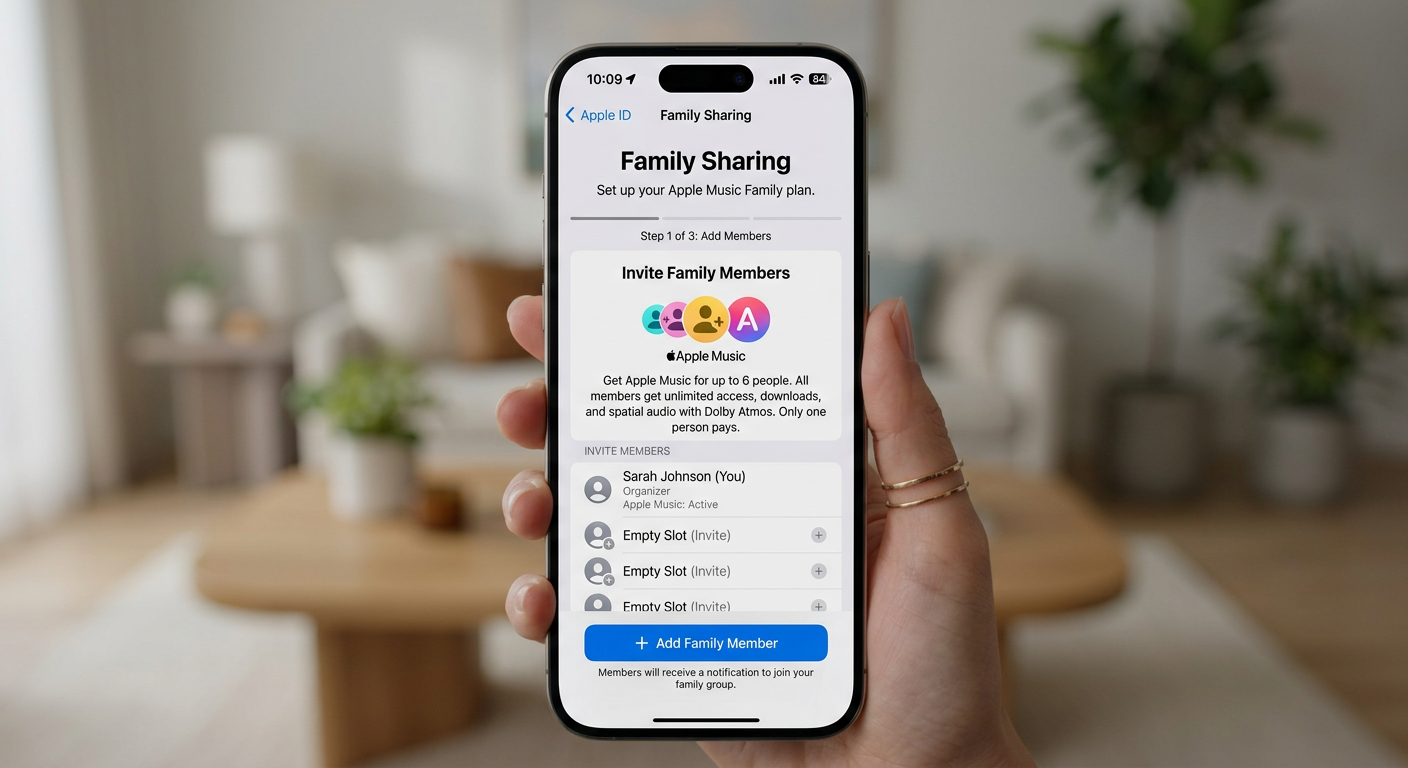
Managing Your Shared Apple Music Family Subscription
After you share your Apple Music subscription with family, management stays simple. The family organizer controls all administrative functions through their device settings. Adding new members takes seconds. Open Family Sharing settings and tap Add Member. Remove members just as easily if needed. Changes take effect immediately across all devices. Each family member customizes their own experience completely. Personal music libraries remain separate and private. Downloaded songs don’t count against other members’ storage. Playlists stay individual unless explicitly shared with the family group. The subscription renews automatically each month on the organizer’s billing date. Payment failures notify the organizer immediately. Other family members receive warnings but cannot update payment information. Only the organizer manages billing details. You maintain full control when you share your Apple Music subscription with family. Monitor active members anytime through settings. Check subscription status and renewal dates easily. The family organizer can pause or cancel the subscription affecting all members simultaneously.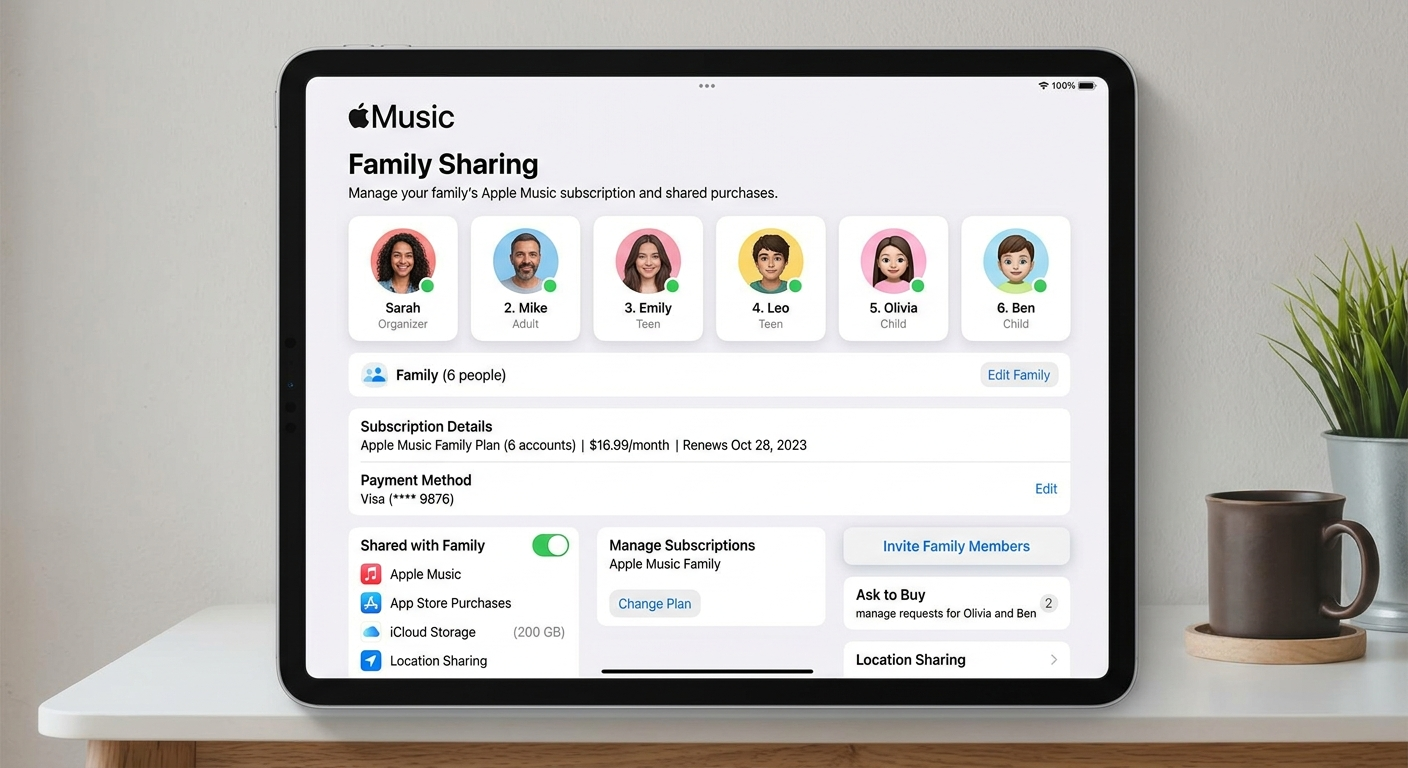
Privacy and Personal Libraries When You Share Apple Music
Privacy concerns often arise when considering whether you can share your Apple Music subscription with family. Apple designed Family Sharing with complete privacy protection. Each family member’s listening history stays completely private. Nobody sees what you play or download. Personal recommendations remain individualized based solely on your listening habits. Your music taste influences only your own discovery features. Downloaded songs and albums save to individual device storage. Other family members cannot access your offline music. Purchases from the iTunes Store remain separate unless explicitly shared. The For You section reflects only personal preferences. Family playlists offer optional sharing when desired. Create private playlists that only you see. Share specific playlists with chosen family members. Collaborative playlists let everyone add songs together. When you share your Apple Music subscription with family, parental controls provide additional protection. The organizer restricts explicit content for children’s accounts. Age-appropriate music filters automatically for younger members. Screen time limits can include Apple Music usage. These controls ensure safe streaming for all ages without compromising the adult experience.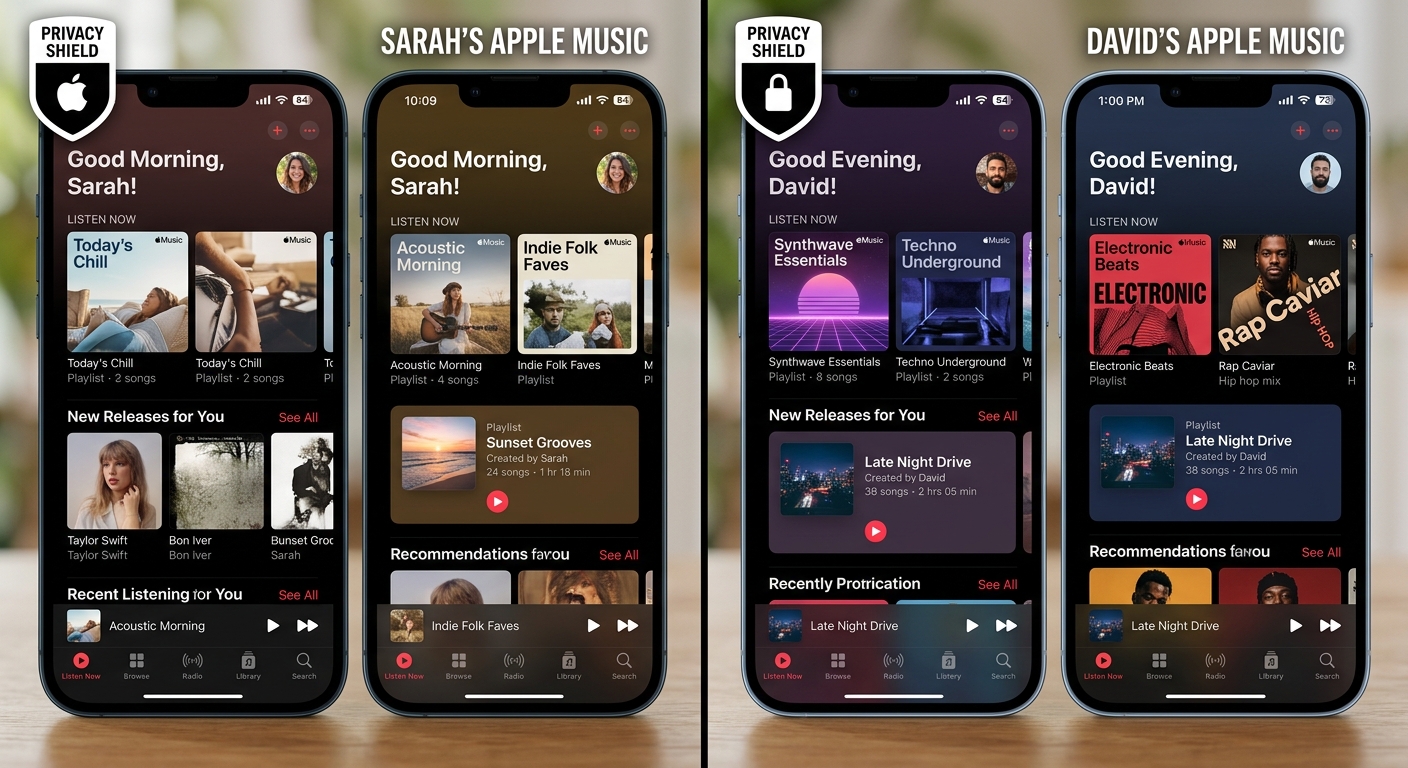
Troubleshooting Common Issues With Family Apple Music Sharing
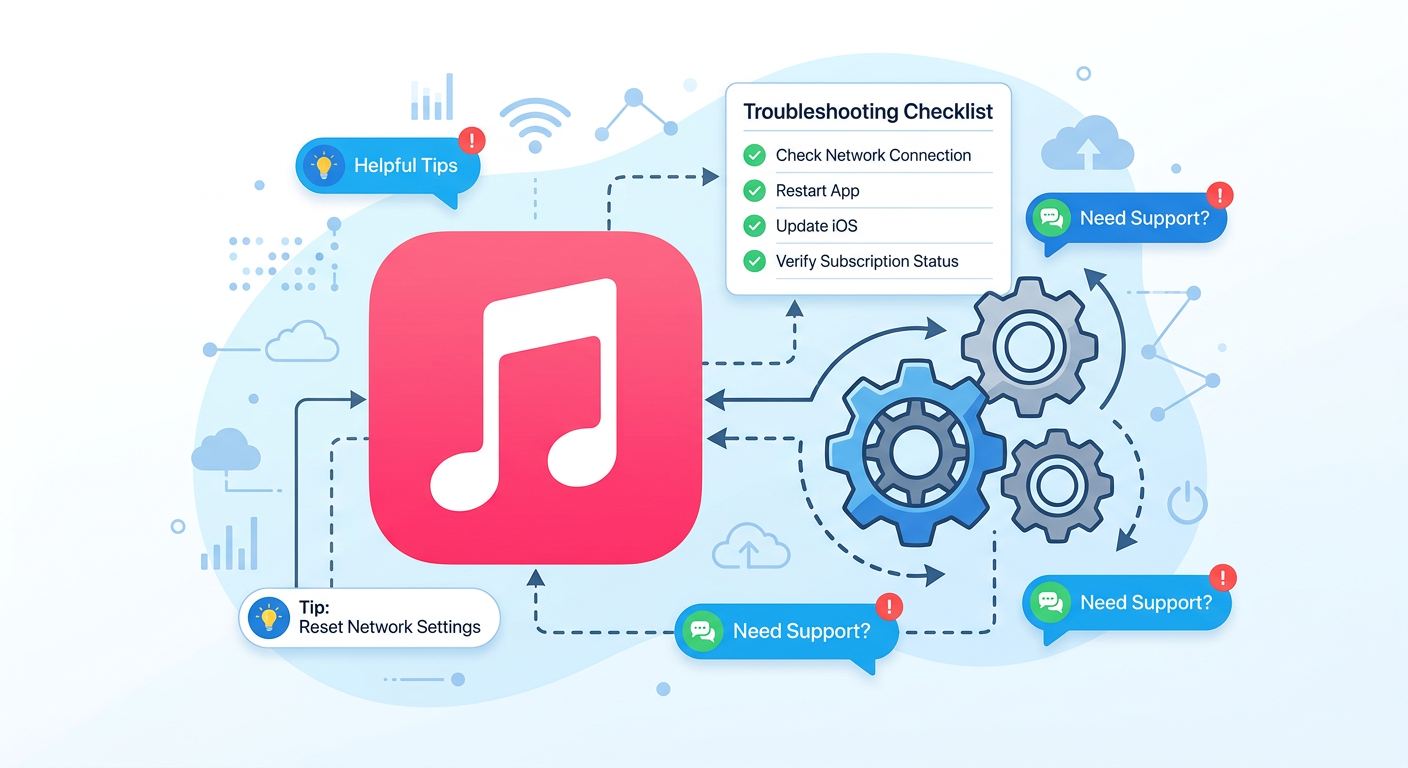
Sometimes technical issues arise when you try to share your Apple Music subscription with family. Most problems resolve quickly with simple troubleshooting steps. Family members can’t join the subscription? Verify everyone uses the same Apple ID country. Check that your subscription is indeed the Family plan, not Individual. Ensure family members accept invitations within their Settings app. Restart devices if invitations don’t appear. Music not syncing across devices? Enable iCloud Music Library in settings. Check internet connectivity on all devices. Sign out and back into Apple Music completely. According to Apple’s official music page, syncing typically resolves within minutes. Payment declined or subscription cancelled? Update payment information through the organizer’s account. Verify sufficient funds on the payment method. Contact your bank about international transaction blocks. Resubscribe immediately to restore access for all family members. Can’t remove a family member? Only the organizer removes members from Family Sharing. Members can leave voluntarily through their own settings. Wait 90 days before adding someone who recently left. This cooling-off period prevents subscription abuse. Understanding these limitations helps you effectively share your Apple Music subscription with family members without disruptions.